Siri and Shortcuts
Count with your voice via Siri
Your hands stay on the yarn; Siri does the tapping.
Step 1: Just ask Siri
Say "Hey Siri, next row." Friends of that phrase work too: next stitch, undo row, and "what’s my row count?" Your hands never have to leave the work.

Step 2: Build your own Shortcuts
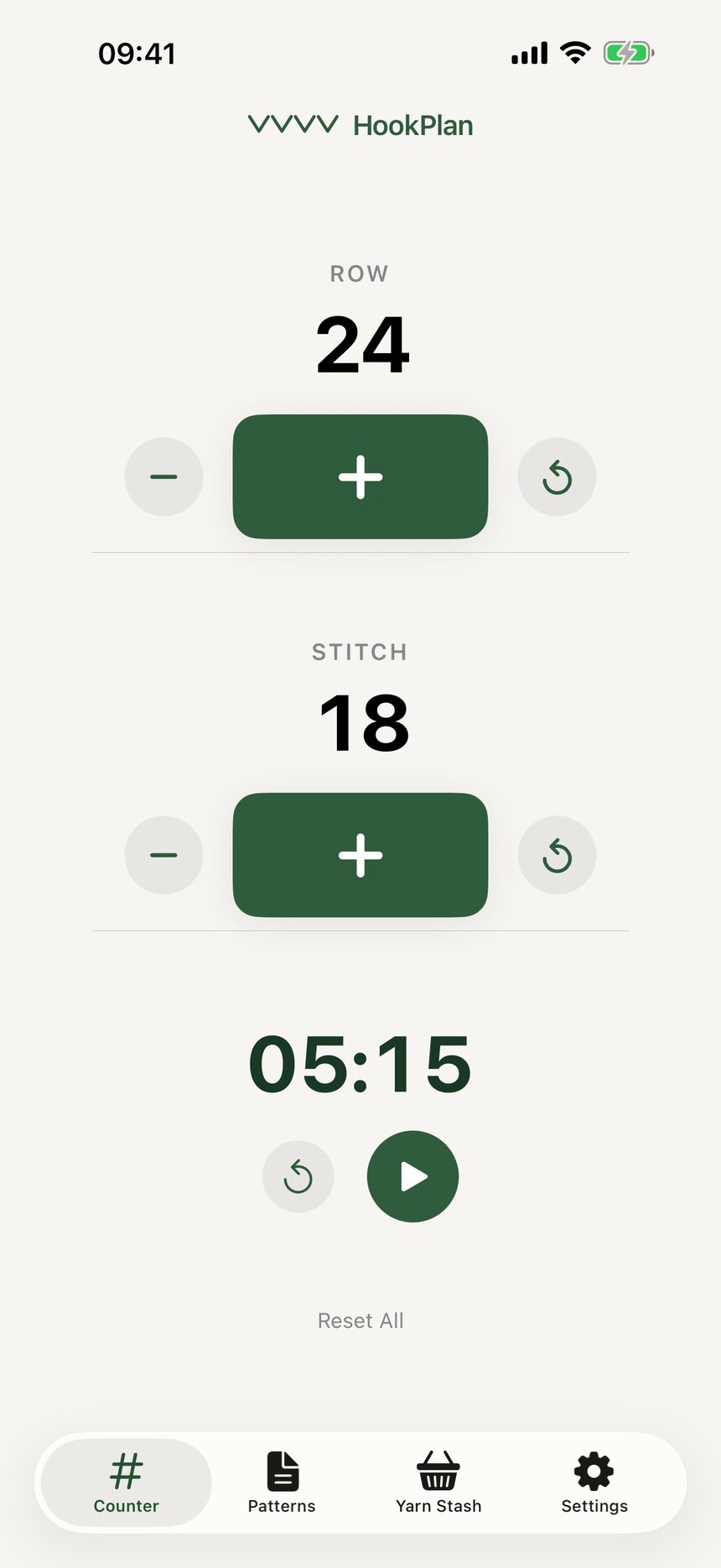
Every counter action is available in the Shortcuts app, so you can build automations. A single shortcut could start your stopwatch and announce your row, if that is your style.

Step 3: Everything stays in sync
Counts changed by Siri update everywhere: the app, the watch, and the widget. However you count, there is only ever one true number.
Still have a question?
The FAQ covers the common ones, and the contact form reaches a real person. Either way, you will not be left guessing.
Visit support