Watch and widgets
Count from your wrist
Big buttons, the Digital Crown, and counts that follow you between devices.
Step 1: Open HookPlan on your watch
The watch app keeps things simple: a big plus and a big minus, sized for fingertips. Your phone can stay in your bag.
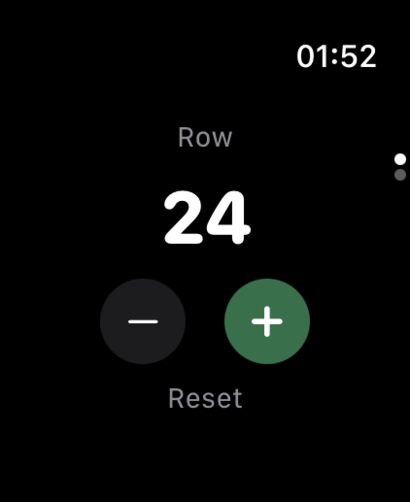
Step 2: Swipe between rows and stitches
Swipe left or right to move between the row screen and the stitch screen. Each has its own count and its own big buttons.
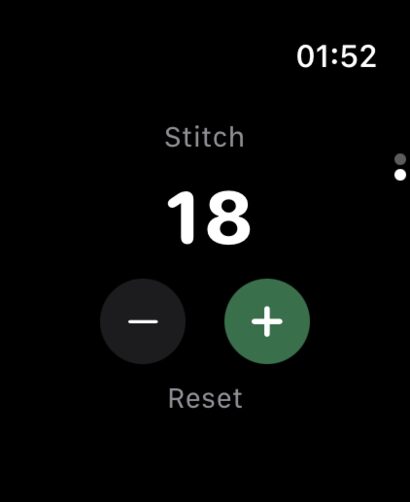
Step 3: Twist the Crown
Turn the Digital Crown to advance the count without looking at the screen at all. A gentle tick confirms each step, so your eyes never have to leave the yarn.
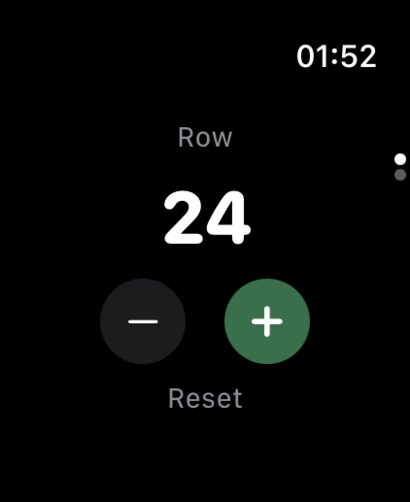
Step 4: Stay in sync with your phone
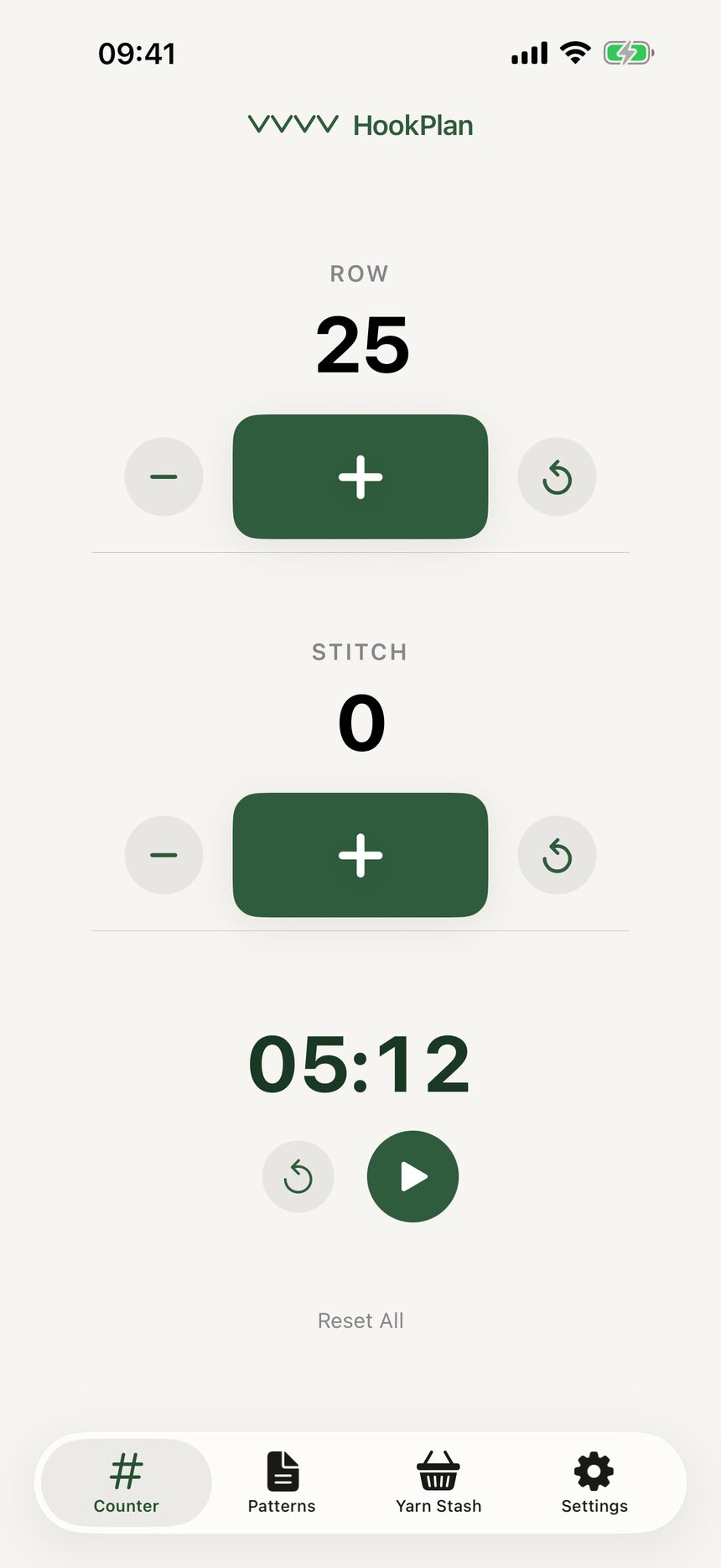
Counts flow both ways between watch and iPhone. Count on whichever is closer; the other catches up on its own.
More about watch and widgets
Still have a question?
The FAQ covers the common ones, and the contact form reaches a real person. Either way, you will not be left guessing.
Visit support