Counting
Make the counter yours
Step size, text size, screen, and feel: tune the counter to your hands and eyes.
Step 1: Open the Counter settings
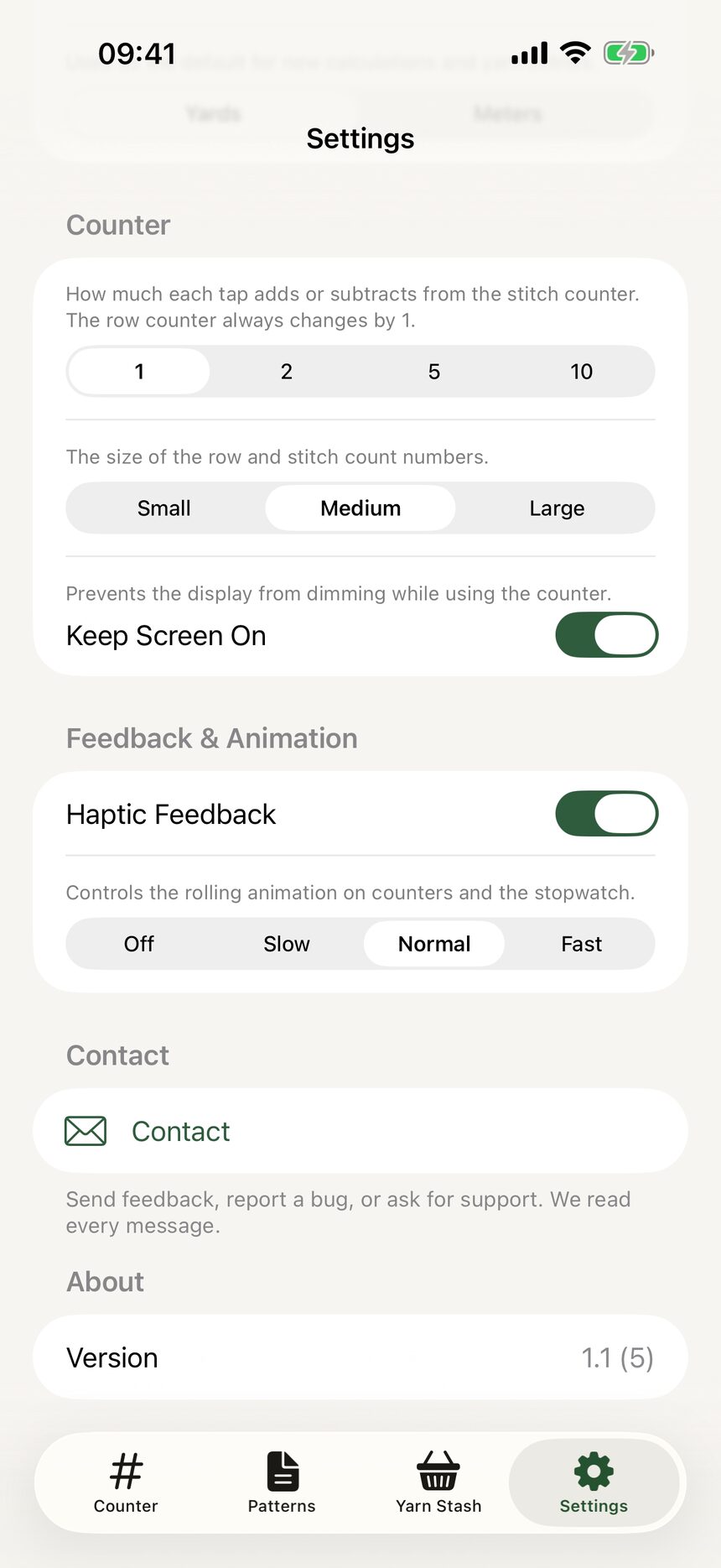
Go to the Settings tab and find the Counter section. Everything that changes how counting feels lives here.
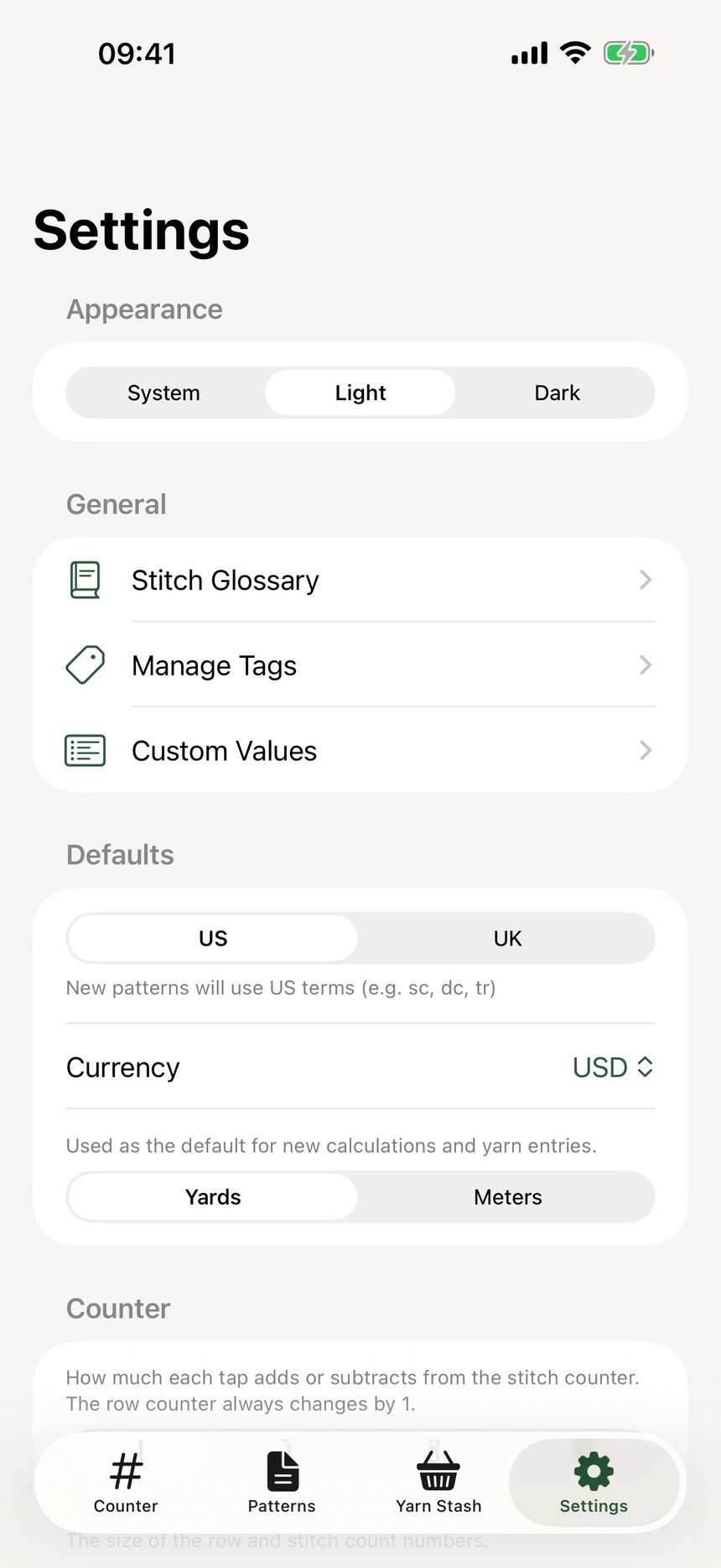
Step 2: Pick your stitch step
Stitch increment step lets each tap count by 1, 2, 5, or 10. Counting a long chain by tens saves a lot of taps. Rows always step by 1, since rows only ever come one at a time.
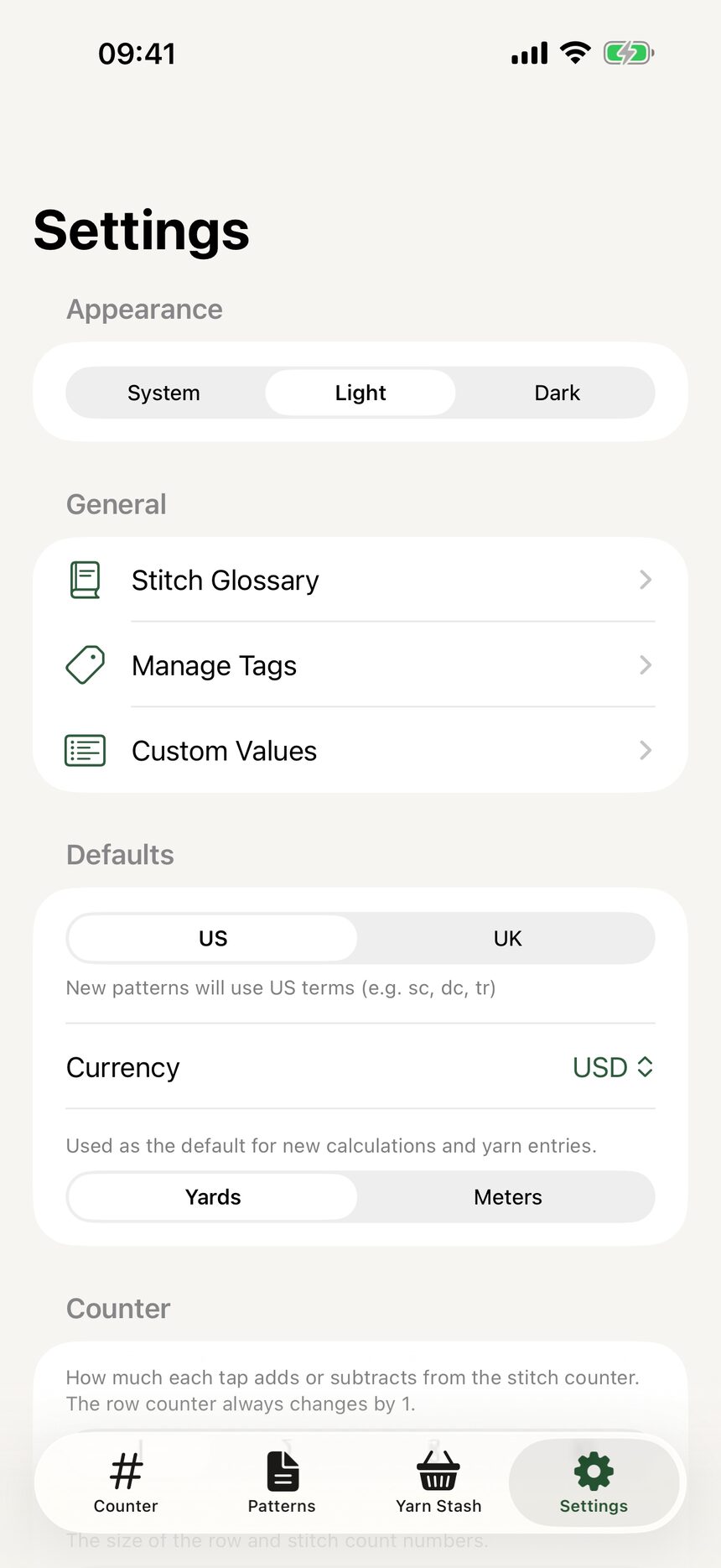
Step 3: Choose a comfortable text size
Counter text size comes in small, medium, and large. Pick the one you can read at arm’s length with yarn in both hands.
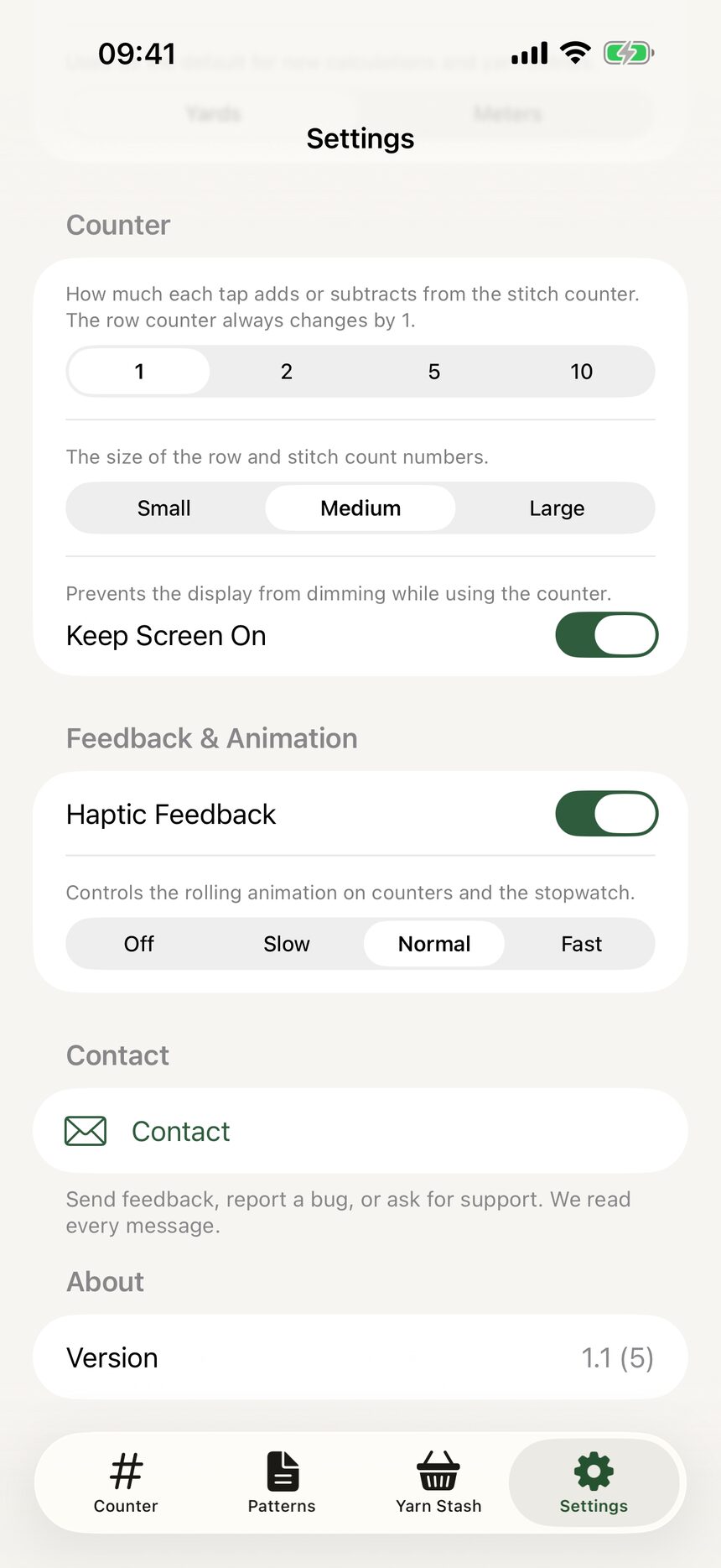
Step 4: Keep the screen on
Turn on Keep Screen On and the display will never dim mid-row. Your phone can sit beside you for a whole session without going dark.
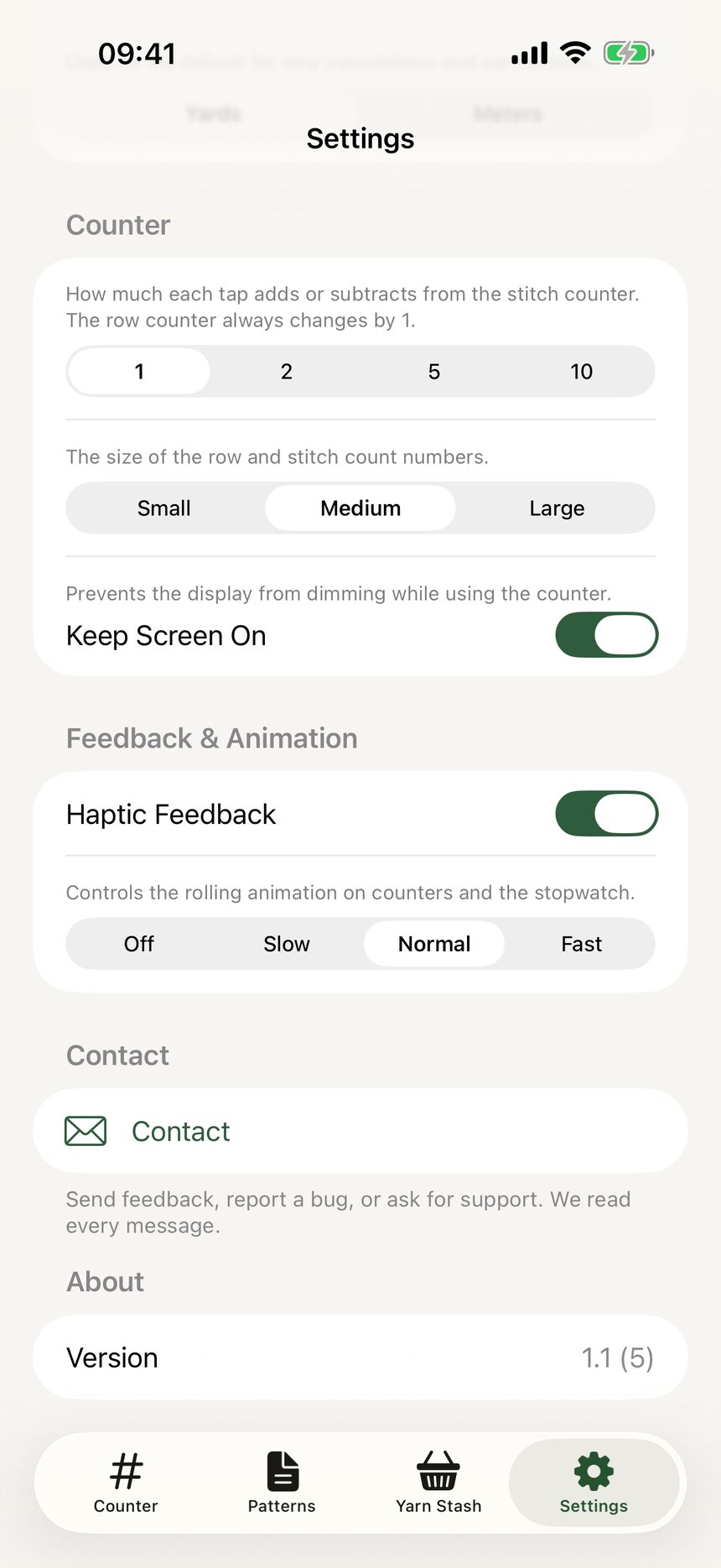
Step 5: Tune haptics and animation
Haptic feedback gives a gentle tap-back you can feel without looking, and animation speed controls how quickly the numbers roll. Set both to whatever feels right; there is no wrong answer.
More about counting
Still have a question?
The FAQ covers the common ones, and the contact form reaches a real person. Either way, you will not be left guessing.
Visit support