Counting
Time your crochet sessions
Find out exactly how long that blanket really took.
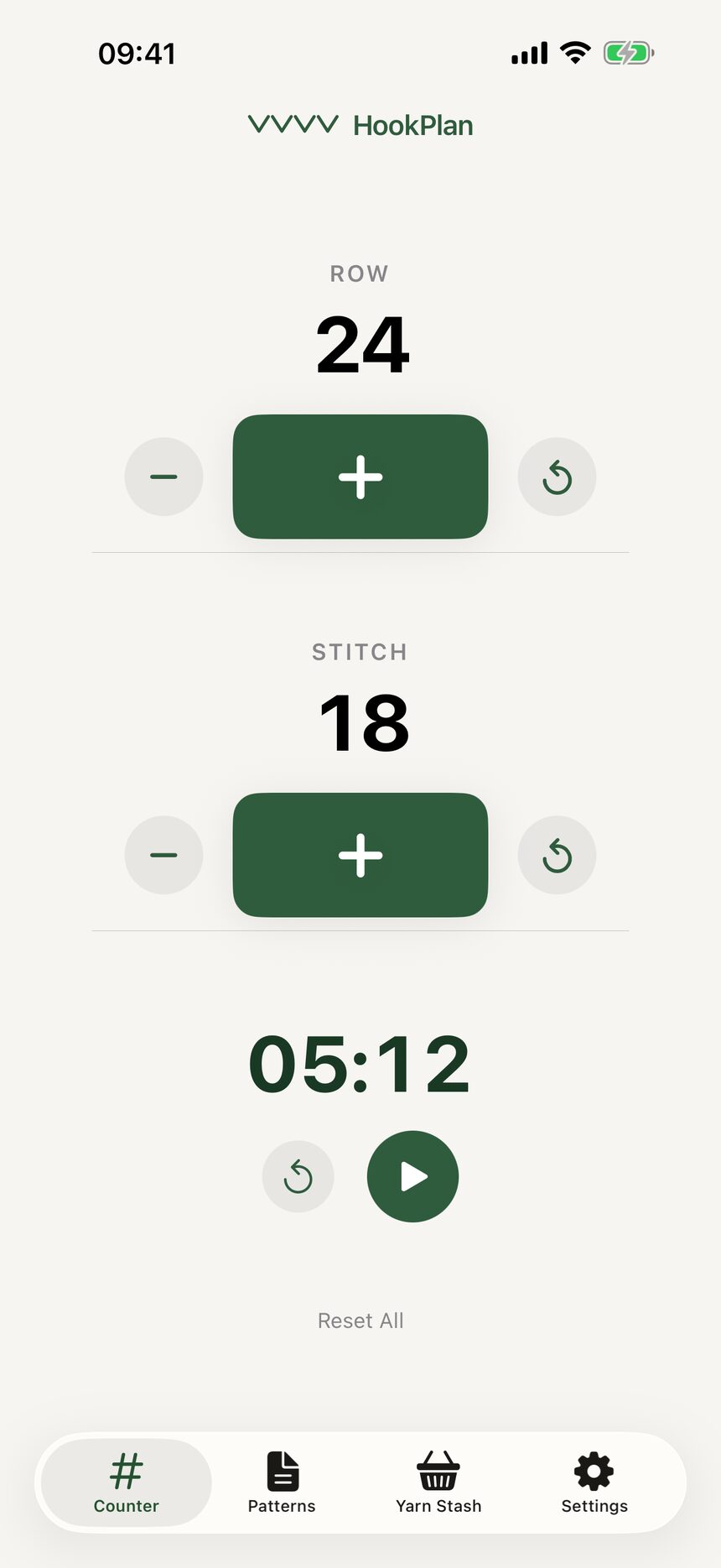
Step 1: Find the stopwatch
The stopwatch sits just under the counters on the Counter tab. Tap the play button when you pick up your hook and it starts timing your session.
Step 2: Pause whenever life happens
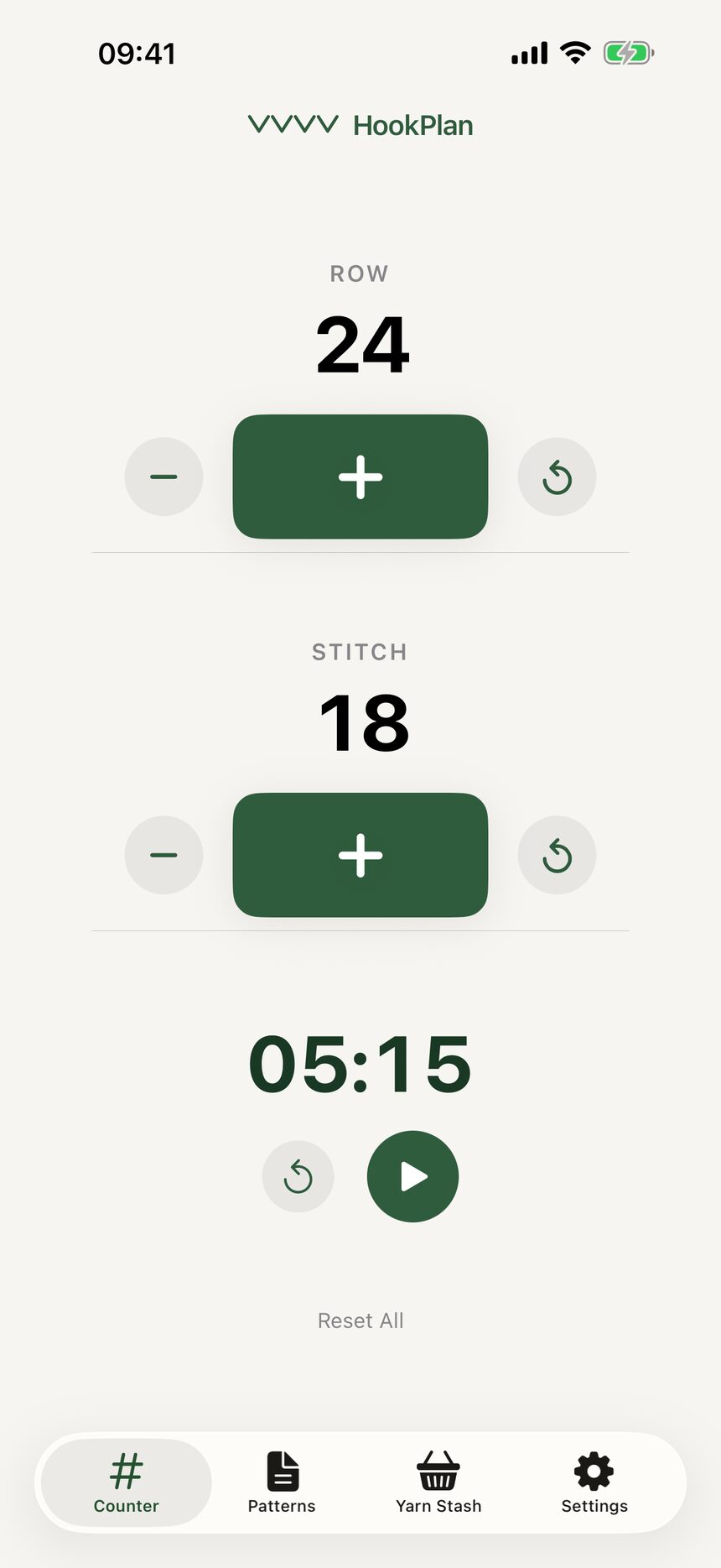
Tap pause when you set your work down. The elapsed time is kept even if you close the app or restart your phone, so the clock picks up right where you left it.
Step 3: Every project keeps its own time
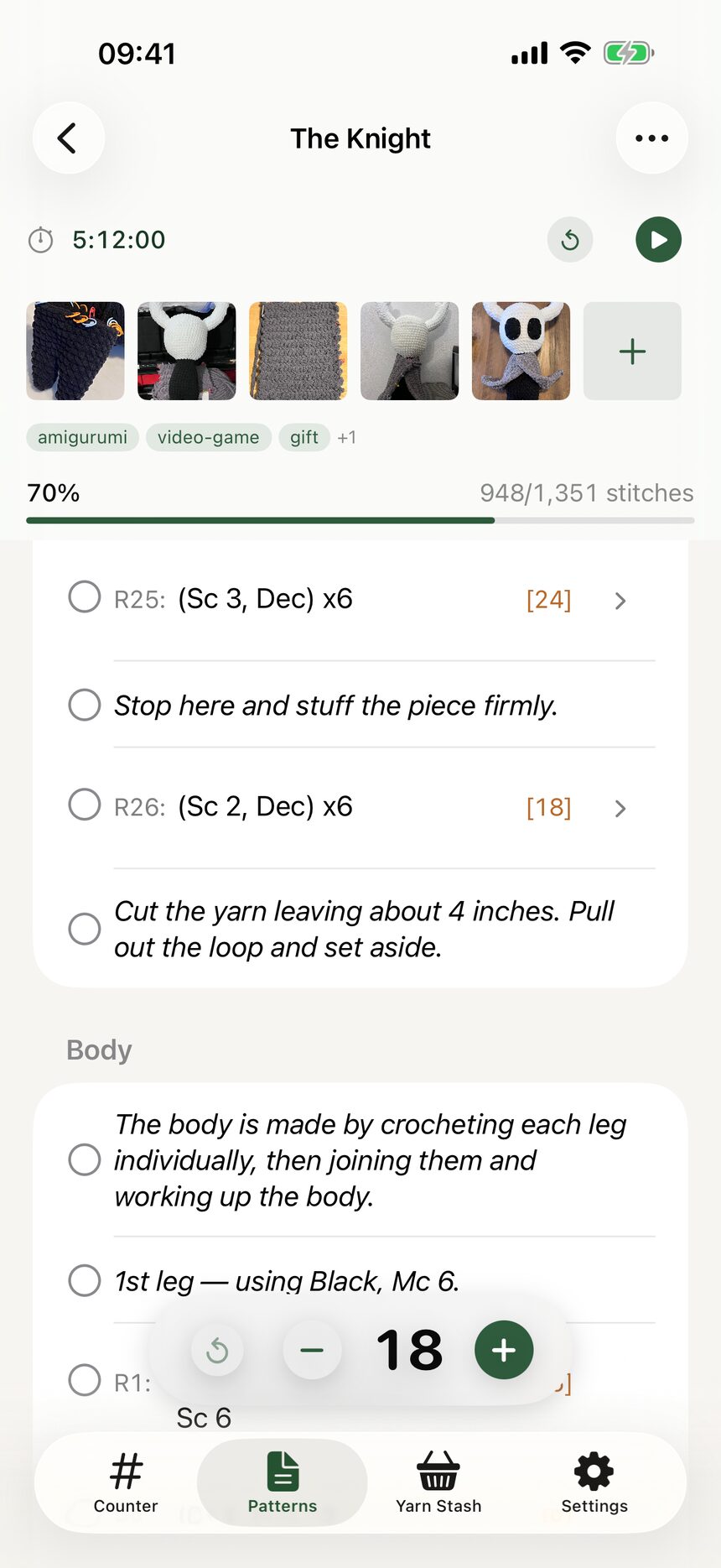
Each work in progress also has its own stopwatch, separate from this one. The session stopwatch times whatever is on your hook right now, while a WIP quietly accumulates the total time for that project.
More about counting
Still have a question?
The FAQ covers the common ones, and the contact form reaches a real person. Either way, you will not be left guessing.
Visit support