Getting started
Count your first rows
Tap along with your hook: stitches, rows, fixing mistakes, and starting fresh.
Step 1: Open the Counter tab
Open HookPlan and you are already in the right place: the Counter tab. The Rows counter tracks which row you are on, and the Stitches counter tracks your place within the row. There is nothing to set up first.
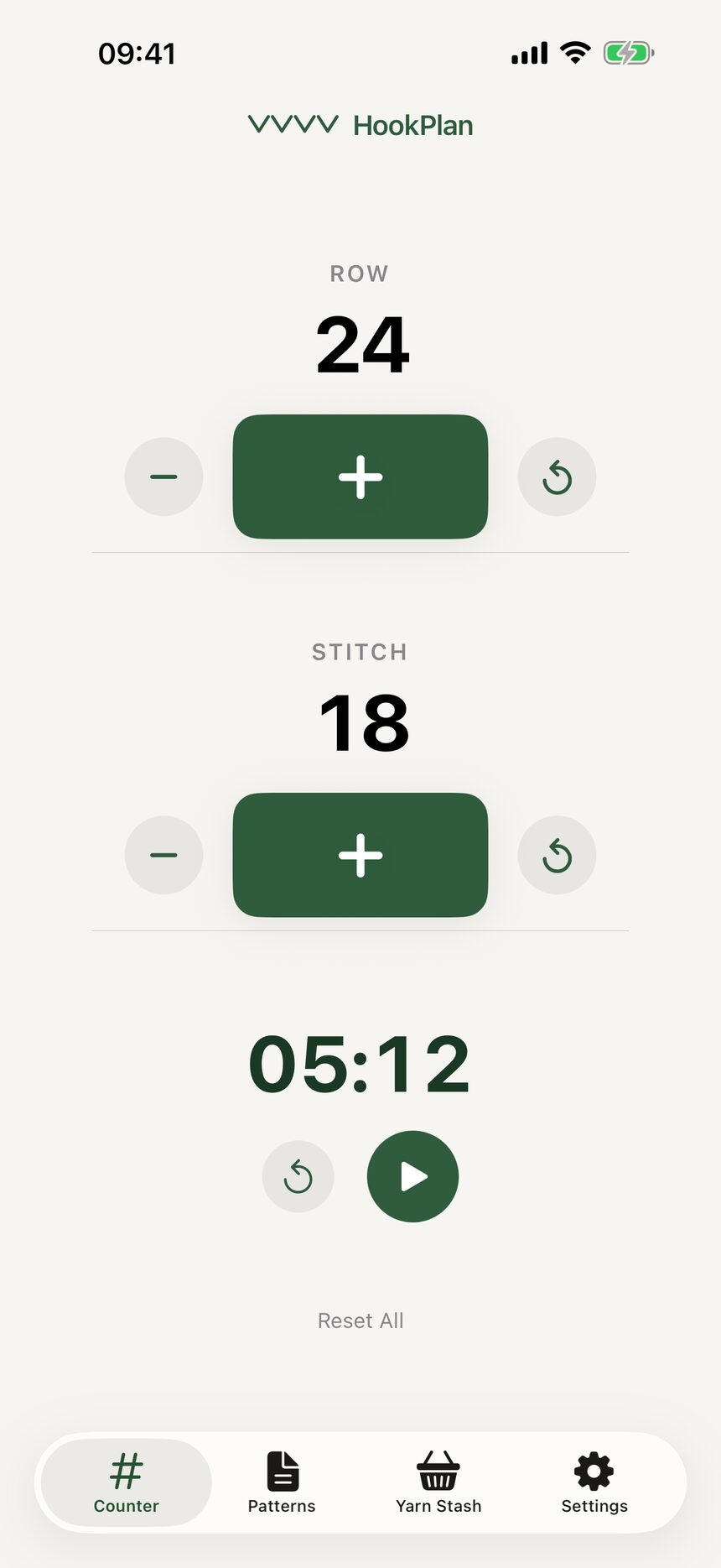
Step 2: Tap plus as you stitch
Each time you finish a stitch, tap the plus button on the Stitches counter. The number animates up, so you can confirm the tap landed without reading it. Tap at your own pace; HookPlan keeps up.
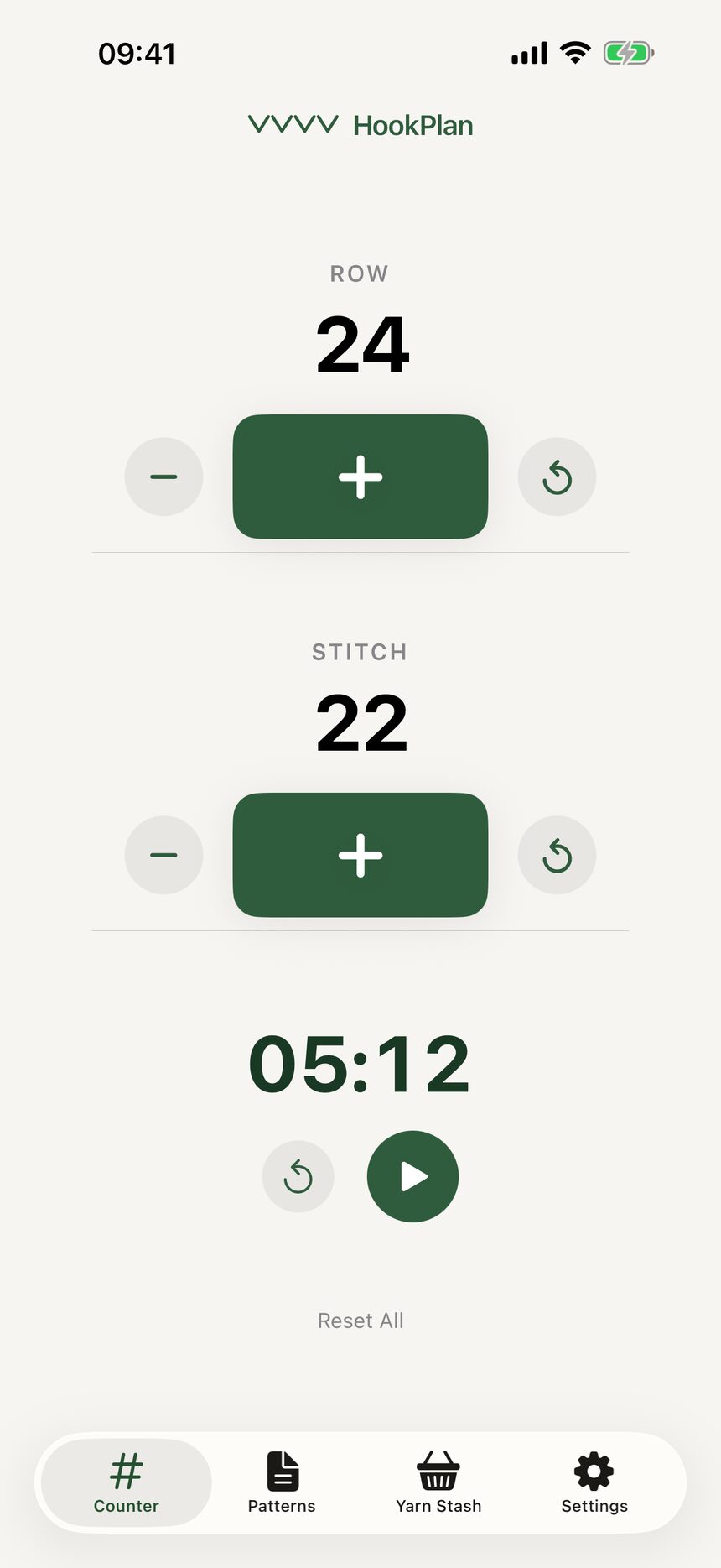
Step 3: Bump the row counter
At the end of a row, tap plus on the Rows counter. If you like, a setting can automatically reset your stitch count to zero each time the row goes up, so every row starts clean.
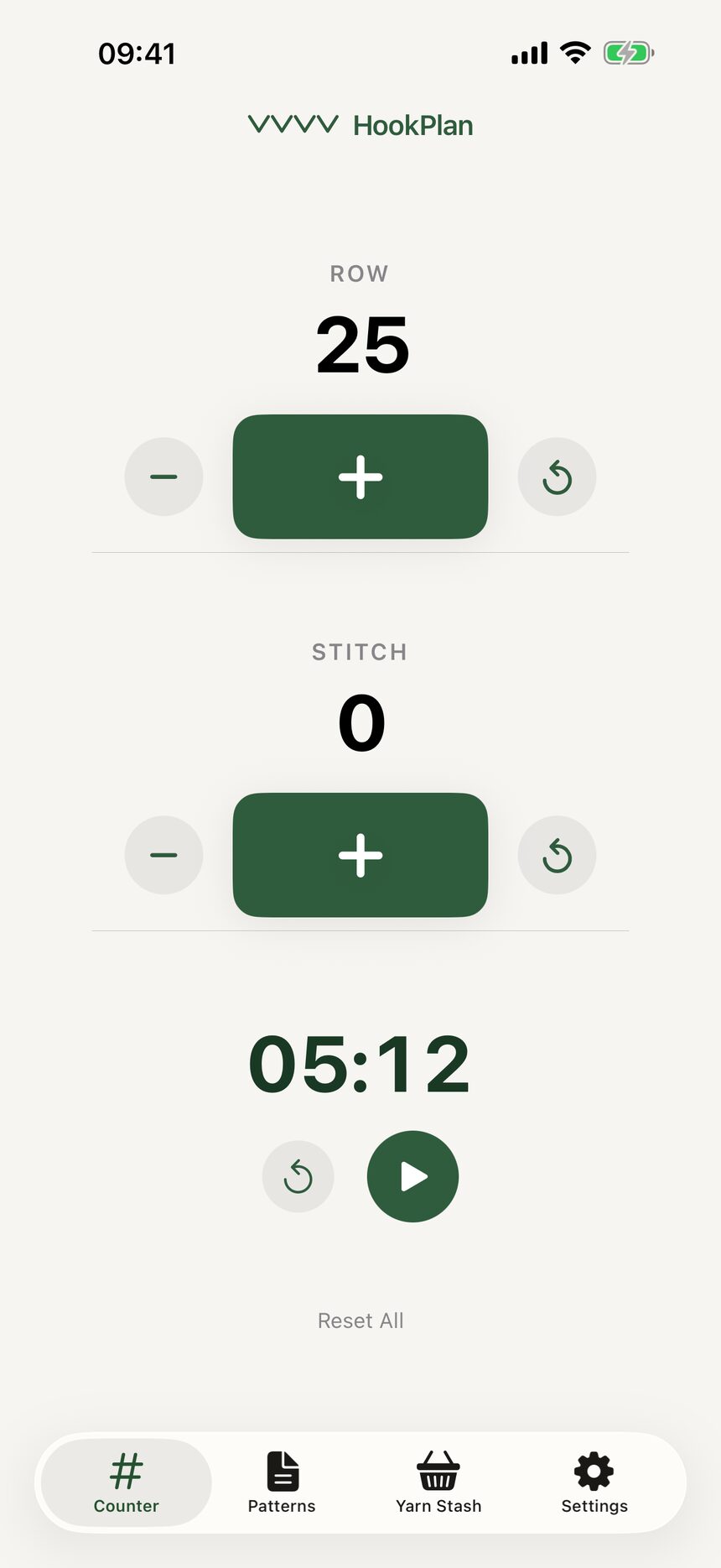
Step 4: Fix a mistake with minus
Tapped one too many? Tap the minus button and the count steps right back down. Nothing in HookPlan is ever lost by accident, so correct away.
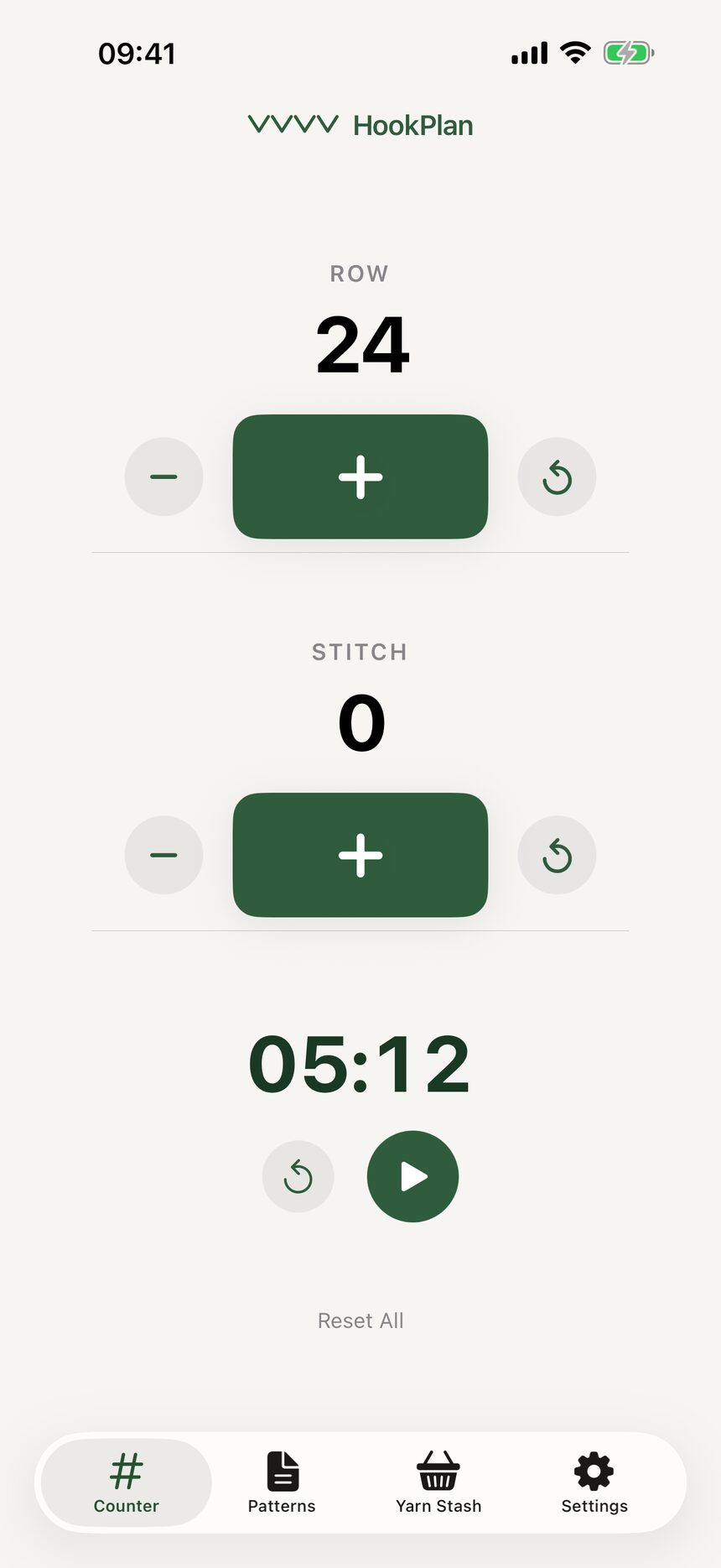
Step 5: Reset when you start something new
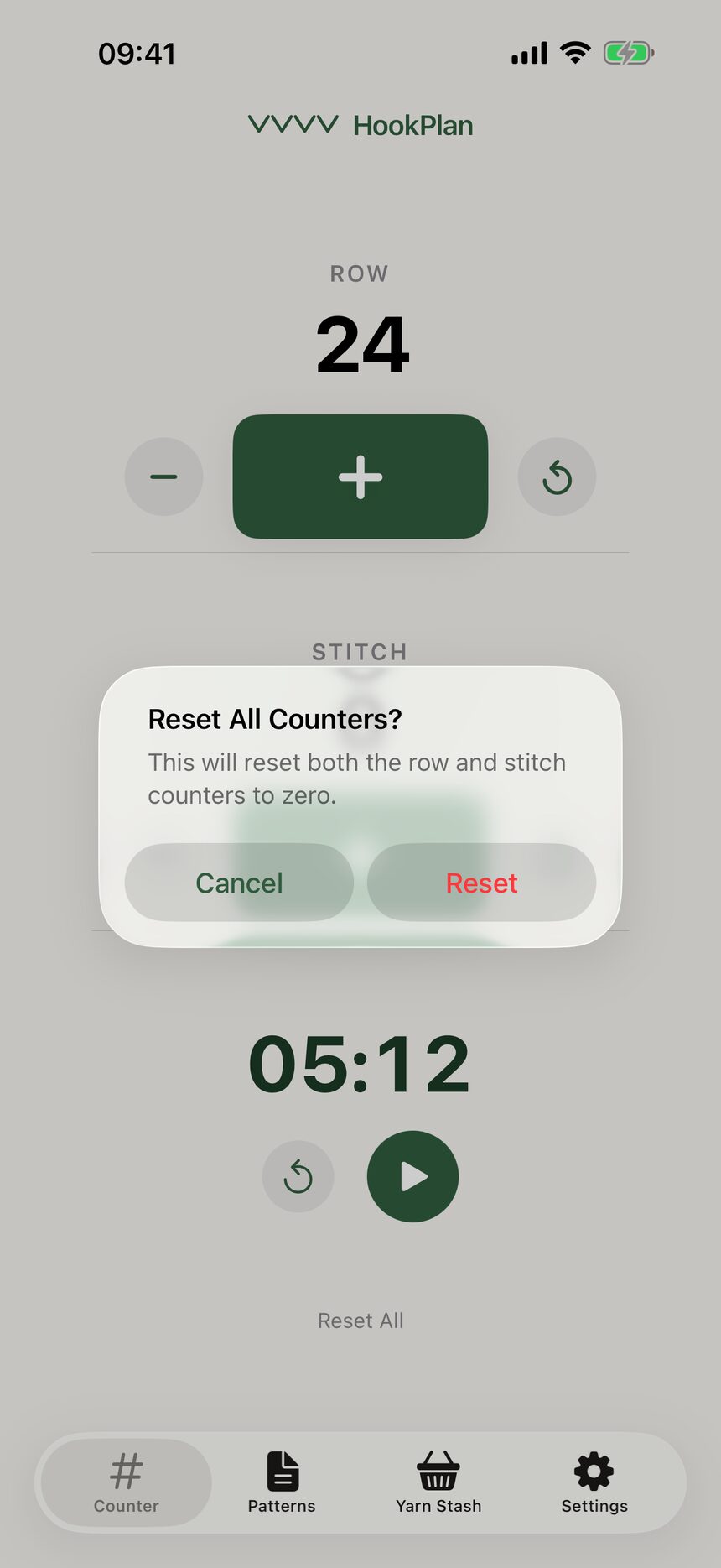
When a project wraps up, tap Reset All to bring both counters back to zero. HookPlan always asks before clearing anything, so a stray tap can never wipe your progress.
More about getting started
Still have a question?
The FAQ covers the common ones, and the contact form reaches a real person. Either way, you will not be left guessing.
Visit support