Yarn stash
Add a skein to your stash
Record a skein in under a minute; only the color name is required.
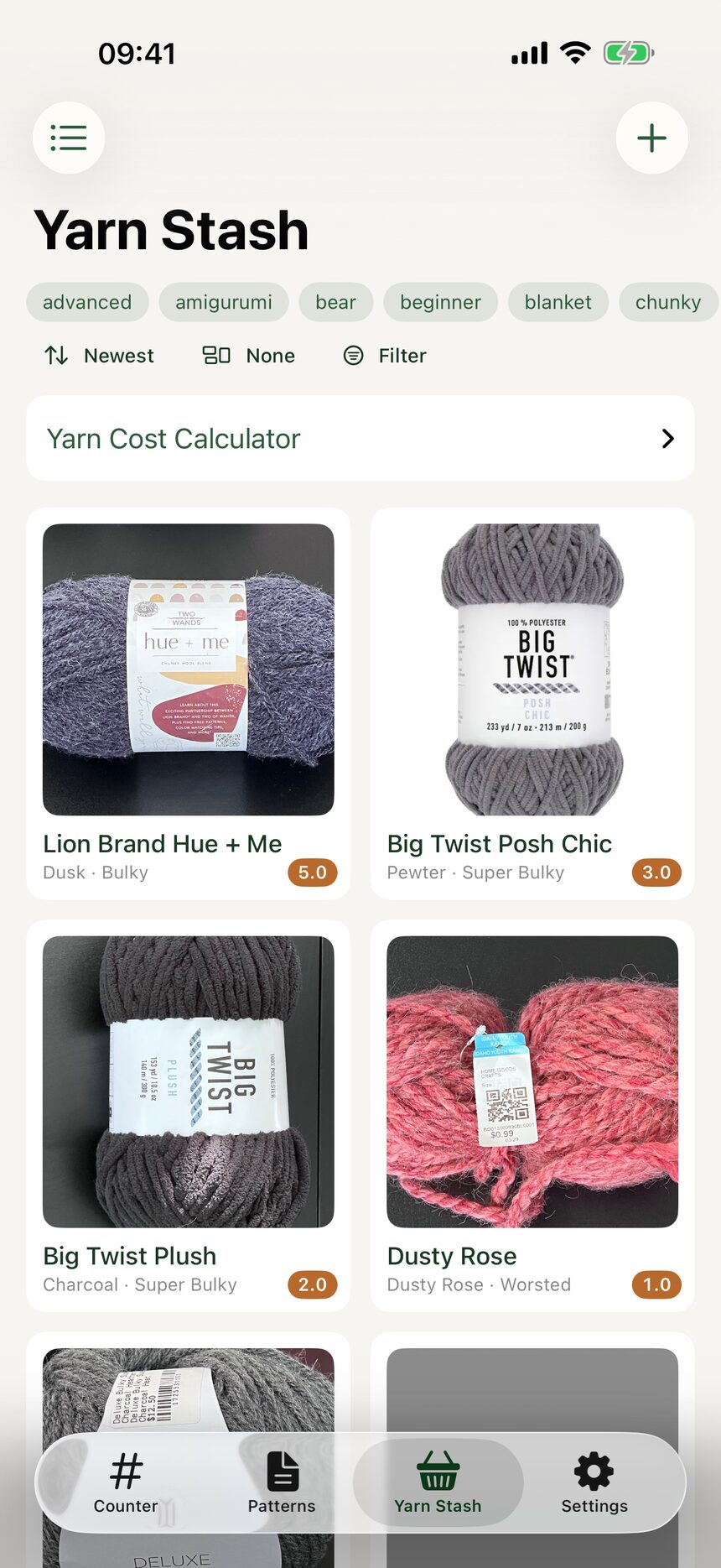
Step 1: Tap plus in the Yarn Stash
Open the Yarn Stash tab and tap the plus button. A new yarn entry opens, ready for as much or as little detail as you have.
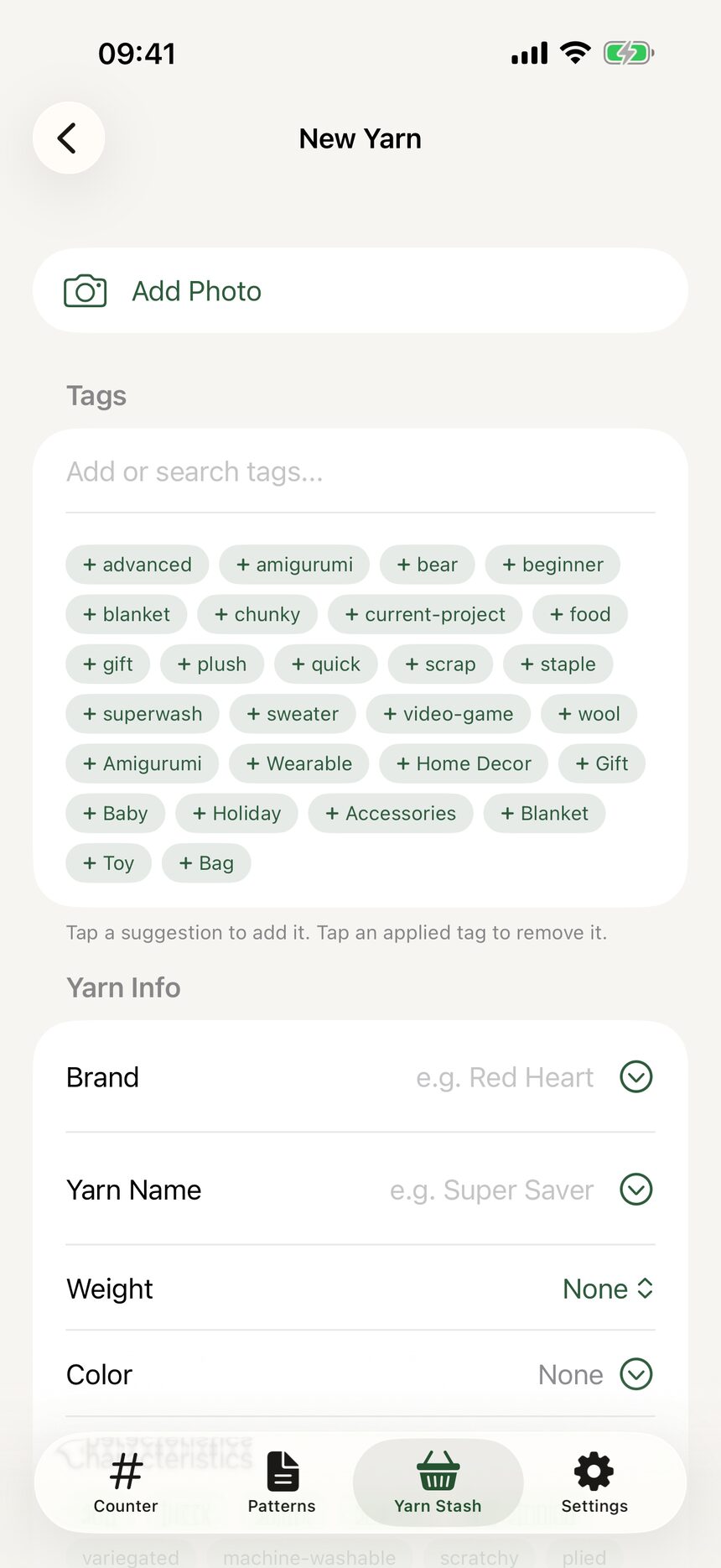
Step 2: Name it
Enter the brand, the yarn name, and the color. Only the color name is required, so a mystery skein with no label is welcome too.
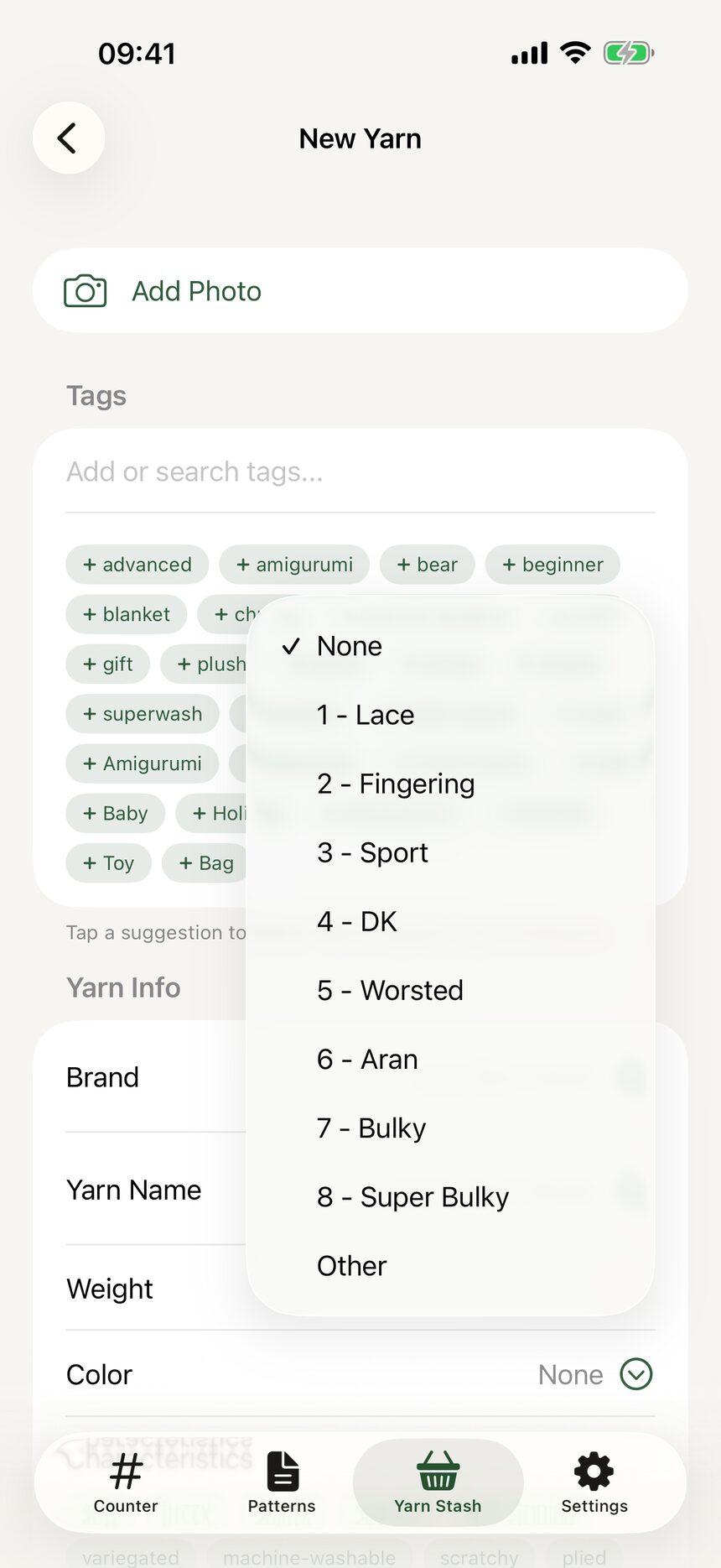
Step 3: Pick the weight
Choose the weight category, from 0 Lace through 7 Super Bulky. If the label shows the little skein symbol with a number, that is the one to pick.
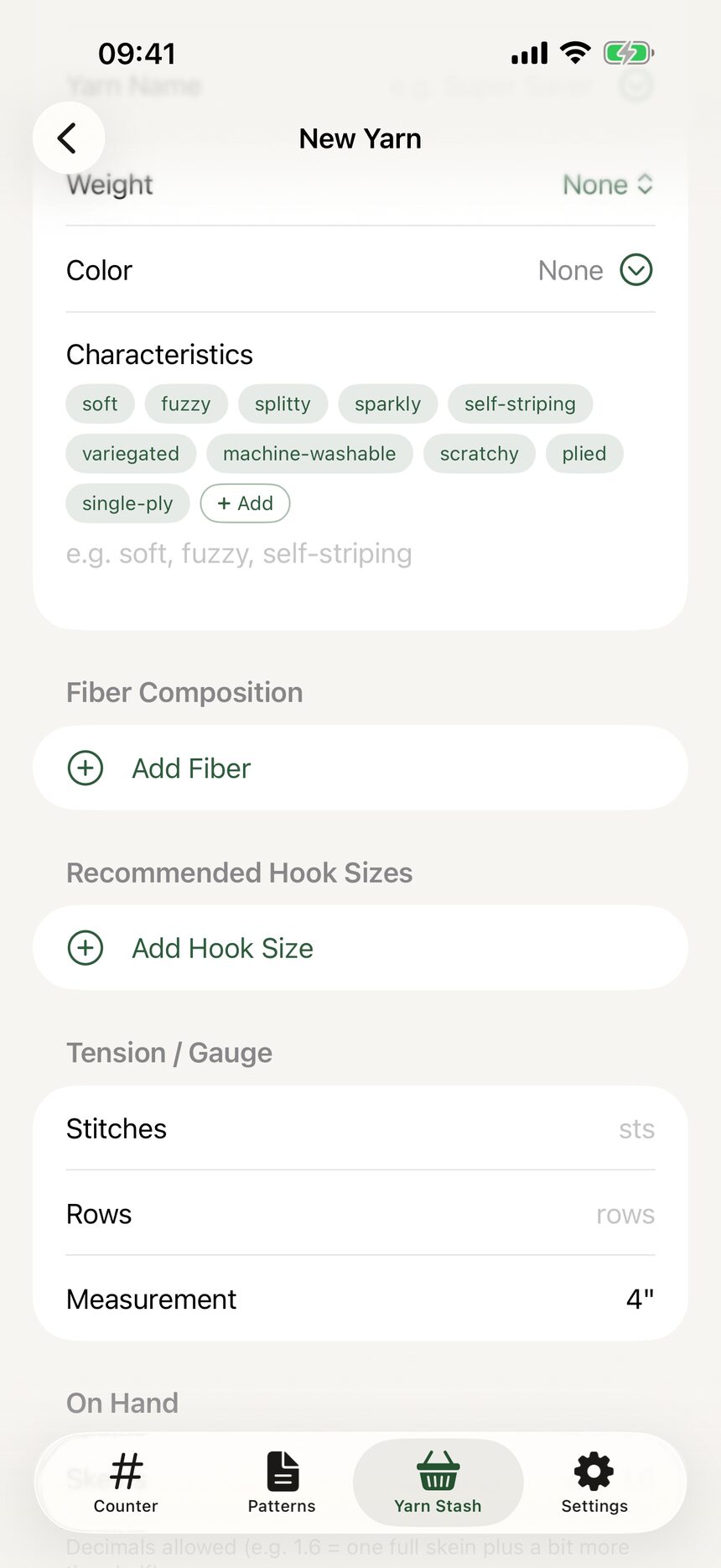
Step 4: Record the fiber
Add the fiber composition with percentages, like 60% cotton / 40% acrylic. Useful for matching yarns, and for knowing what can survive the washing machine.
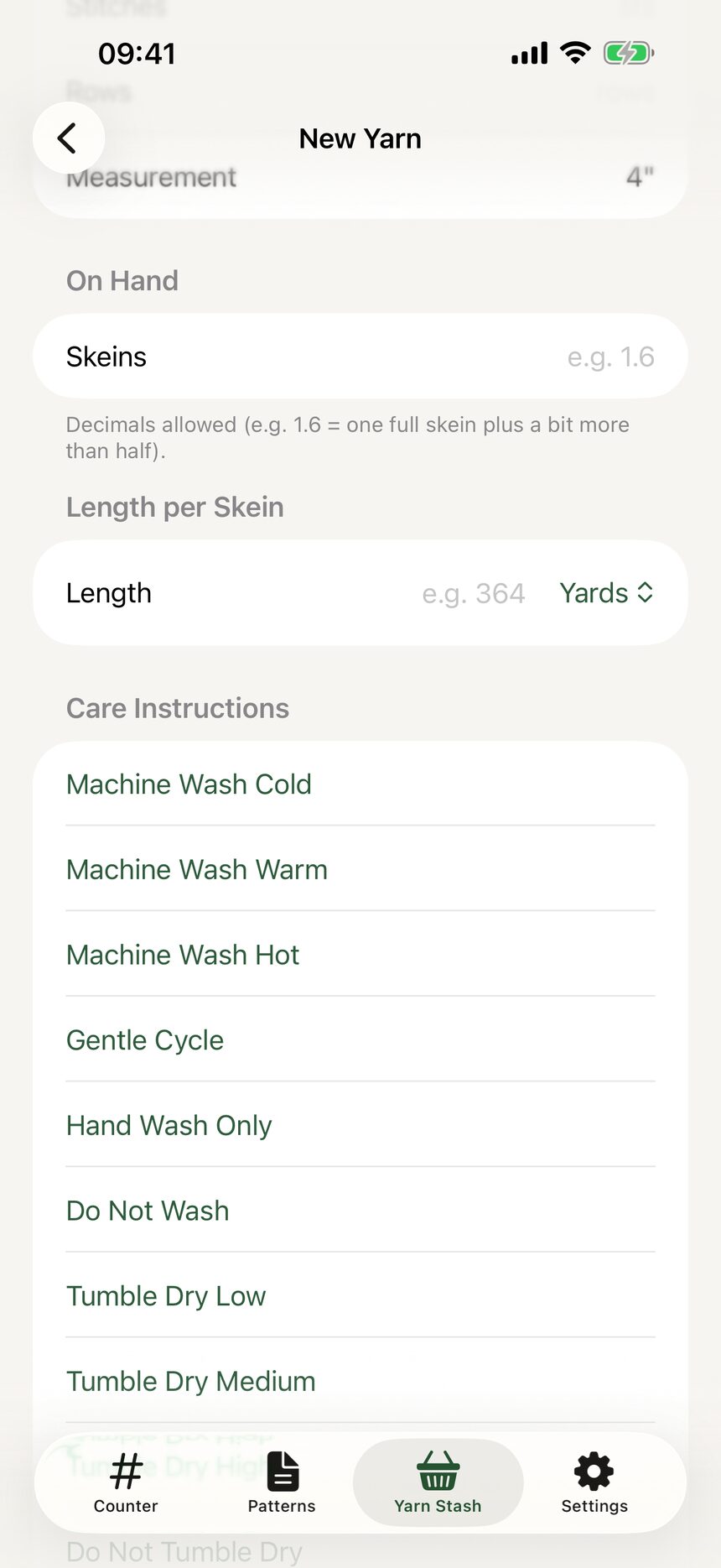
Step 5: Add yardage and skein count
Enter the yardage or meters per skein and how many skeins you have. Your stash now knows exactly how much of this yarn you own.
More about yarn stash
Still have a question?
The FAQ covers the common ones, and the contact form reaches a real person. Either way, you will not be left guessing.
Visit support