Works in progress
Keep a photo diary of your project
Dated photos from first round to finished object, all in one film strip.
Step 1: Find the film strip
At the top of every WIP sits a film strip of progress photos. It starts empty and slowly becomes the story of your project.
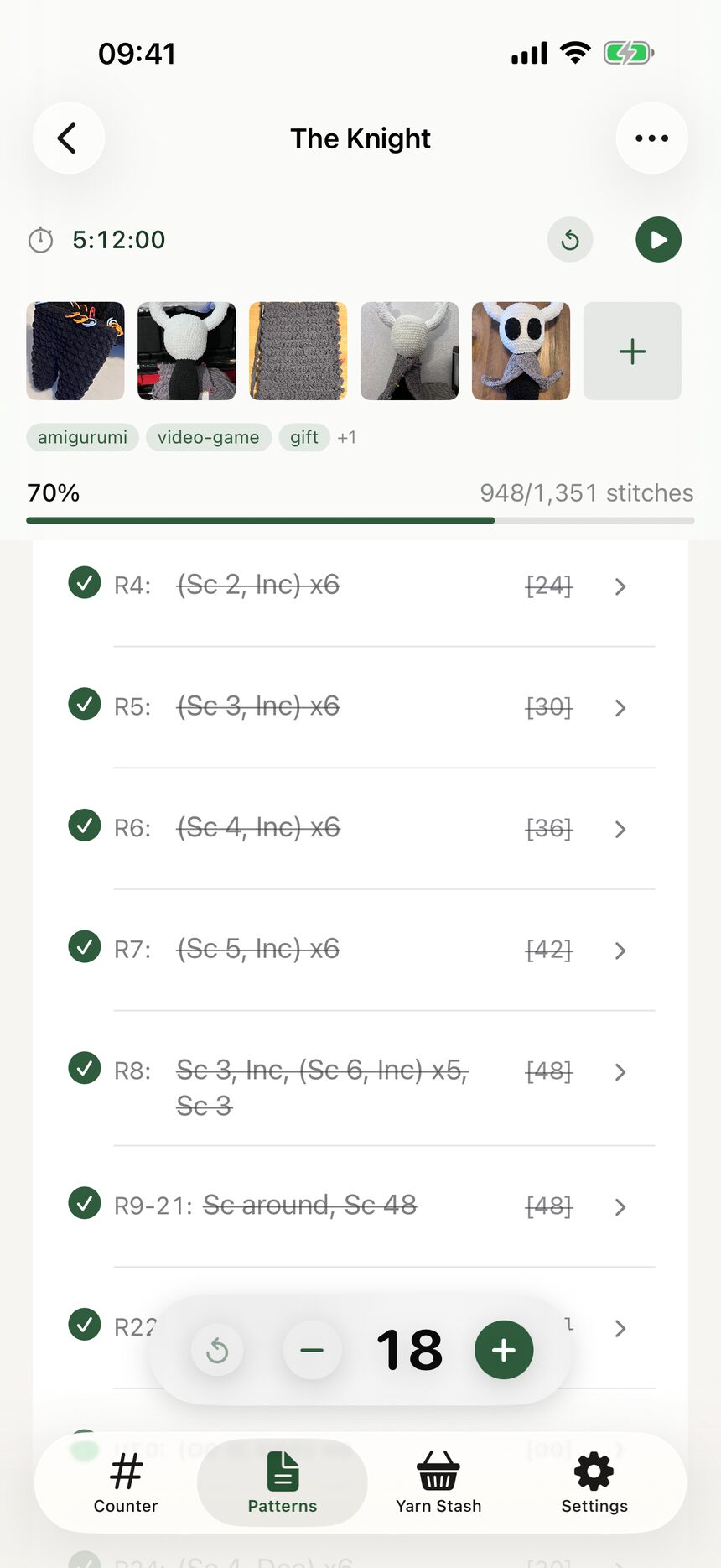
Step 2: Add a photo any time
Tap the add button to snap or choose a photo. Each one is stamped with the date automatically, so you never have to remember when the ears went on.
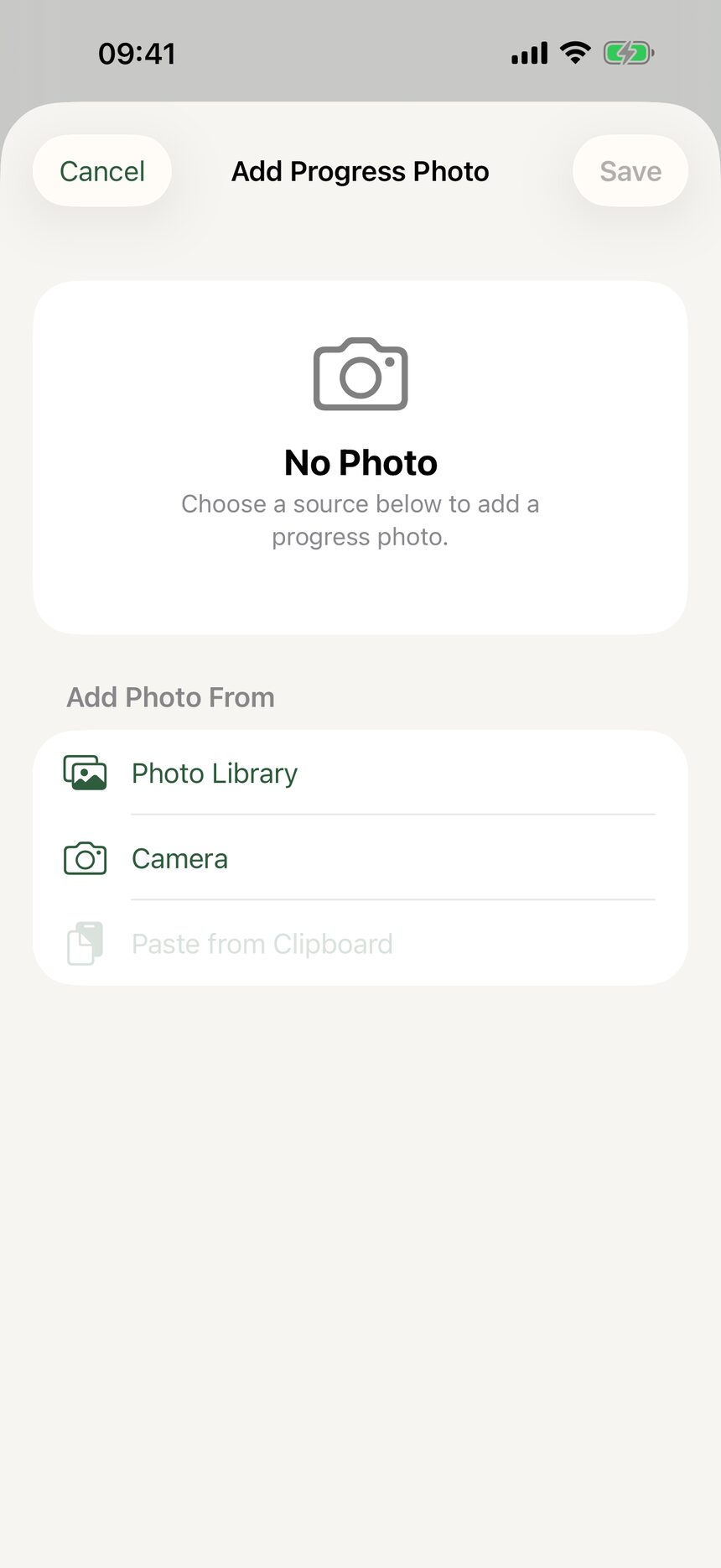
Step 3: Watch it grow
Over the weeks, the strip fills with photos from first round to finished object. It is a lovely thing to scroll back through when you are done.
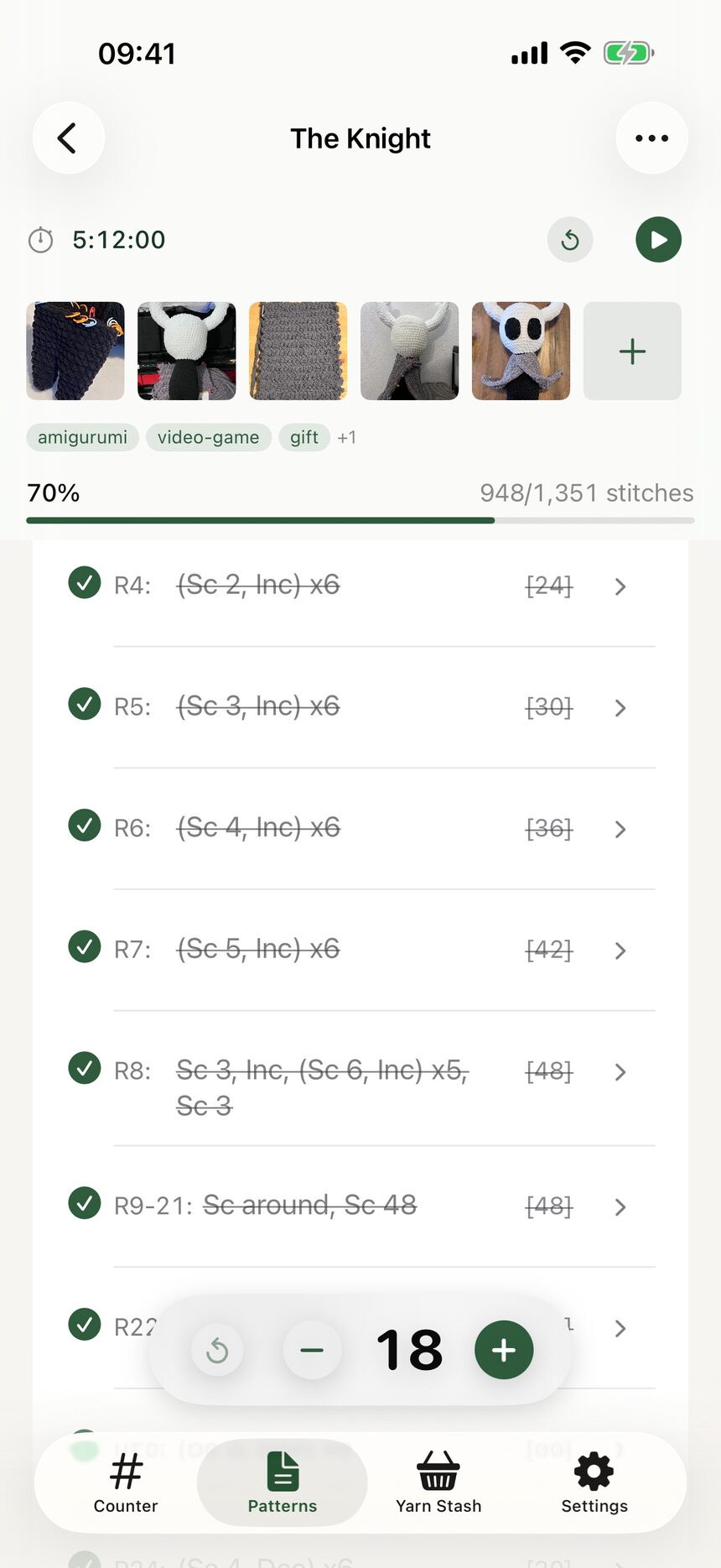
More about works in progress
Still have a question?
The FAQ covers the common ones, and the contact form reaches a real person. Either way, you will not be left guessing.
Visit support