Works in progress
Track your progress row by row
Check off rows, watch the bar fill, and never lose your place again.
Step 1: Check off rows as you go
Finish a row, tap its checkbox. The progress bar updates live, and there is something deeply satisfying about watching it creep toward done.
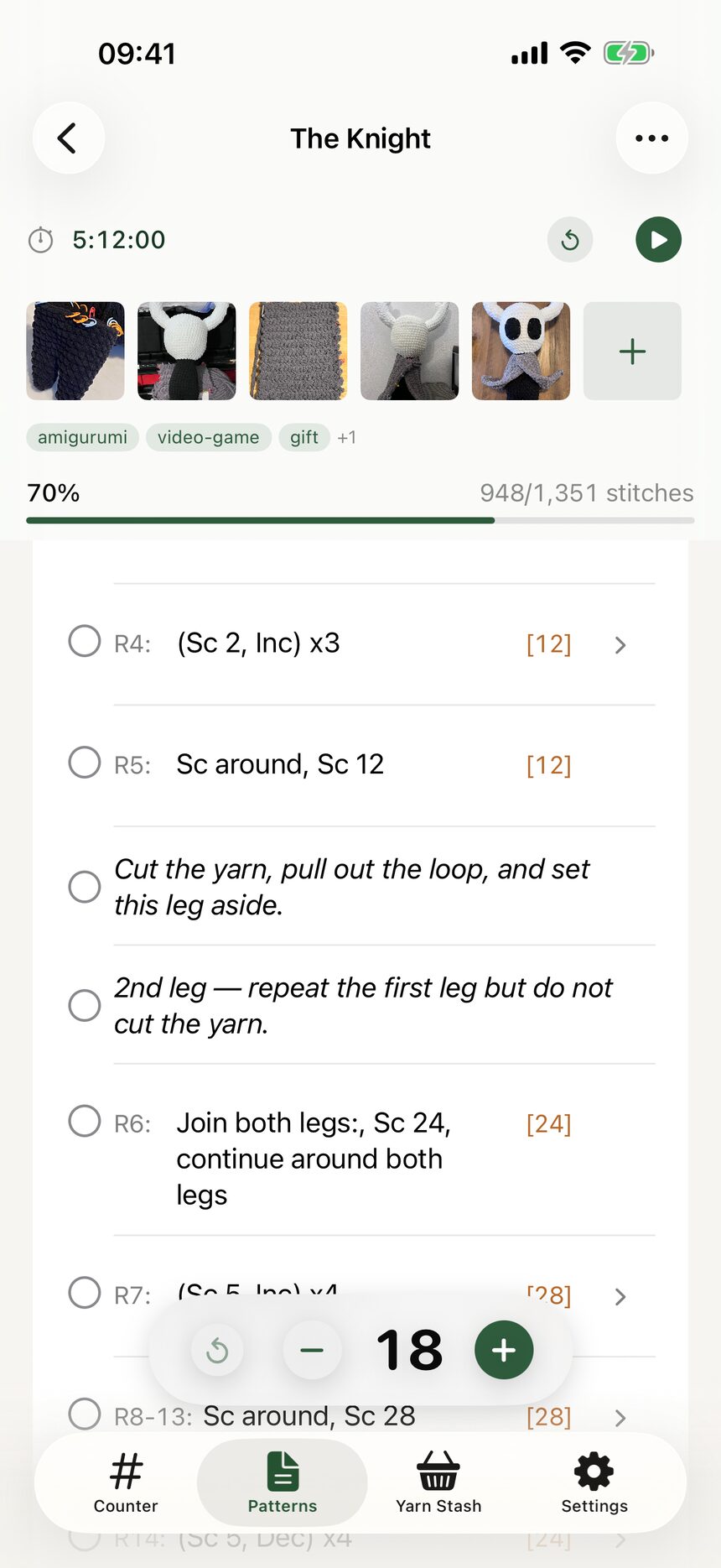
Step 2: Expand repeats
Rows with repeats expand so each repeat gets its own checkable line. When a round says (sc, inc) x 6, you can tick off all six, one at a time.
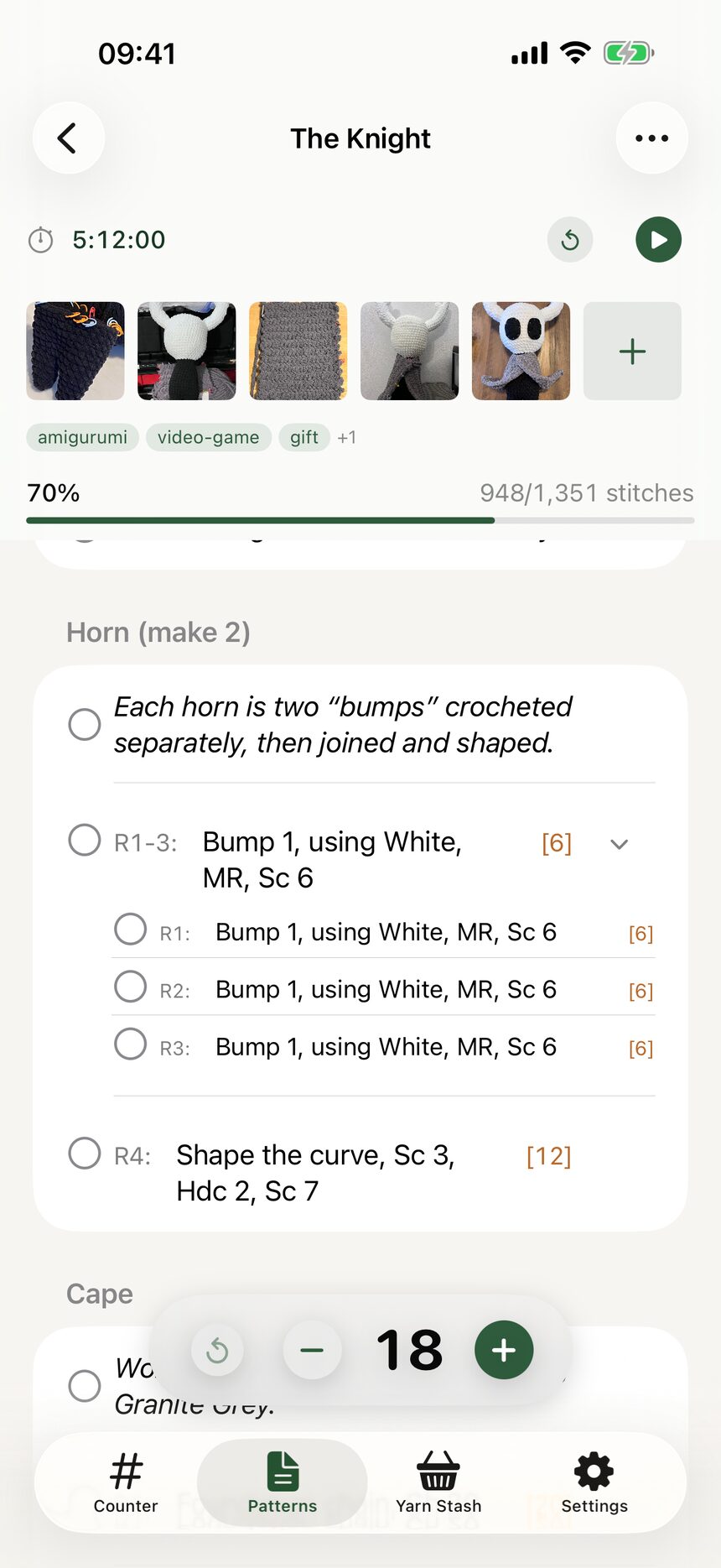
Step 3: Read the sticky header
As you scroll, the header stays put, showing your completion percent, elapsed time, and counts at a glance. Your place in the project is never more than a glance away.
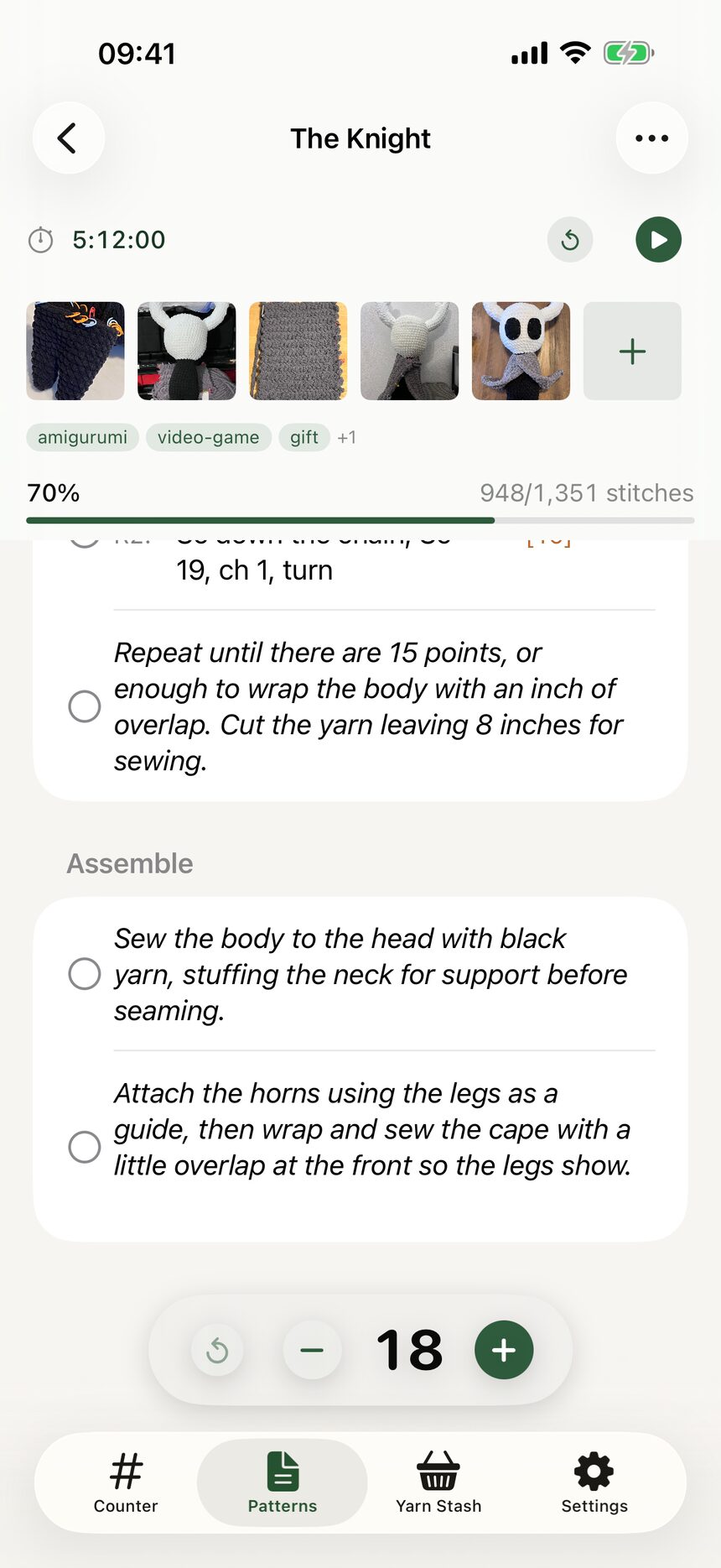
Step 4: Use the built-in counter
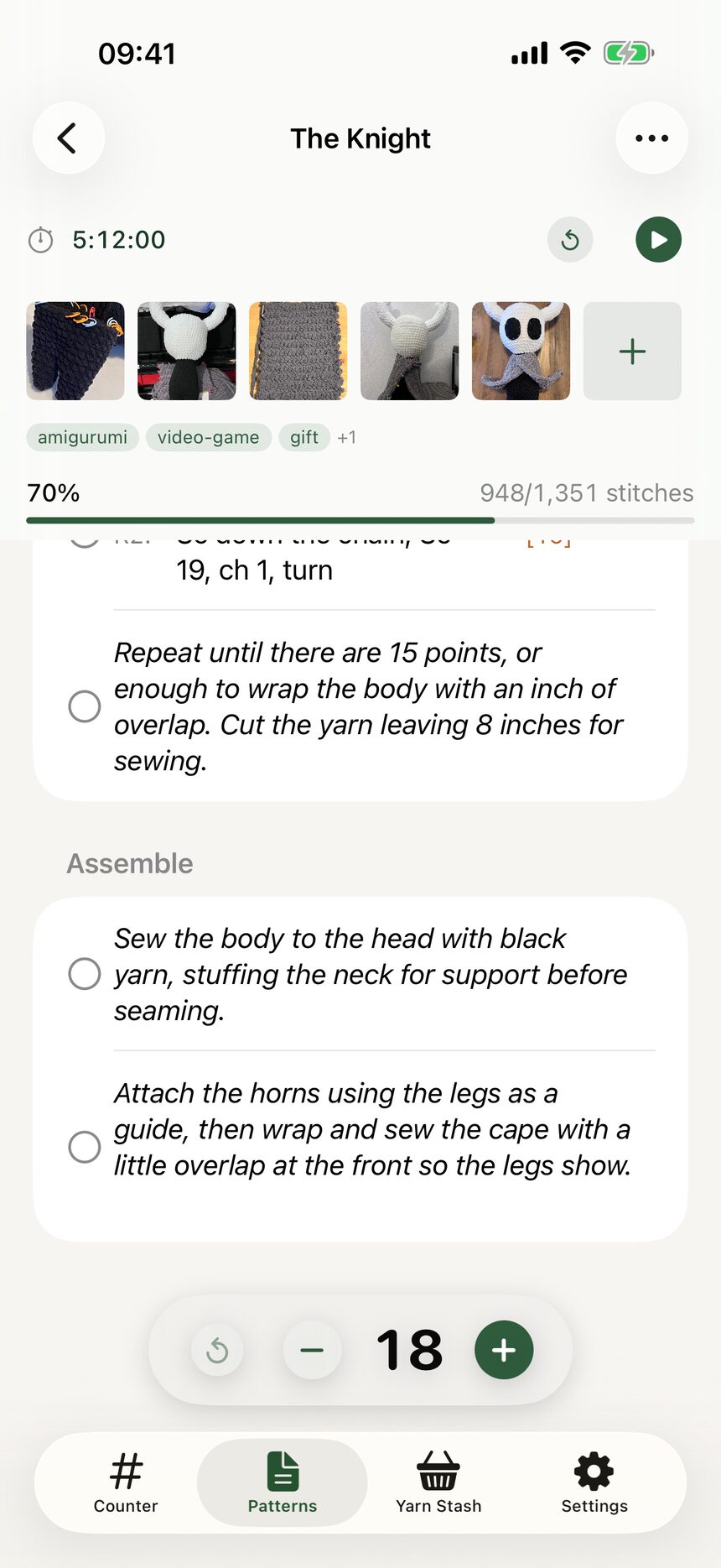
Every WIP carries its own mini counter and stopwatch, separate from the main Counter tab. A long project keeps its counts and time safe even while you dabble in something else.
More about works in progress
Still have a question?
The FAQ covers the common ones, and the contact form reaches a real person. Either way, you will not be left guessing.
Visit support