Works in progress
Start a project from a pattern
Turn any pattern into a tracked project with one tap.
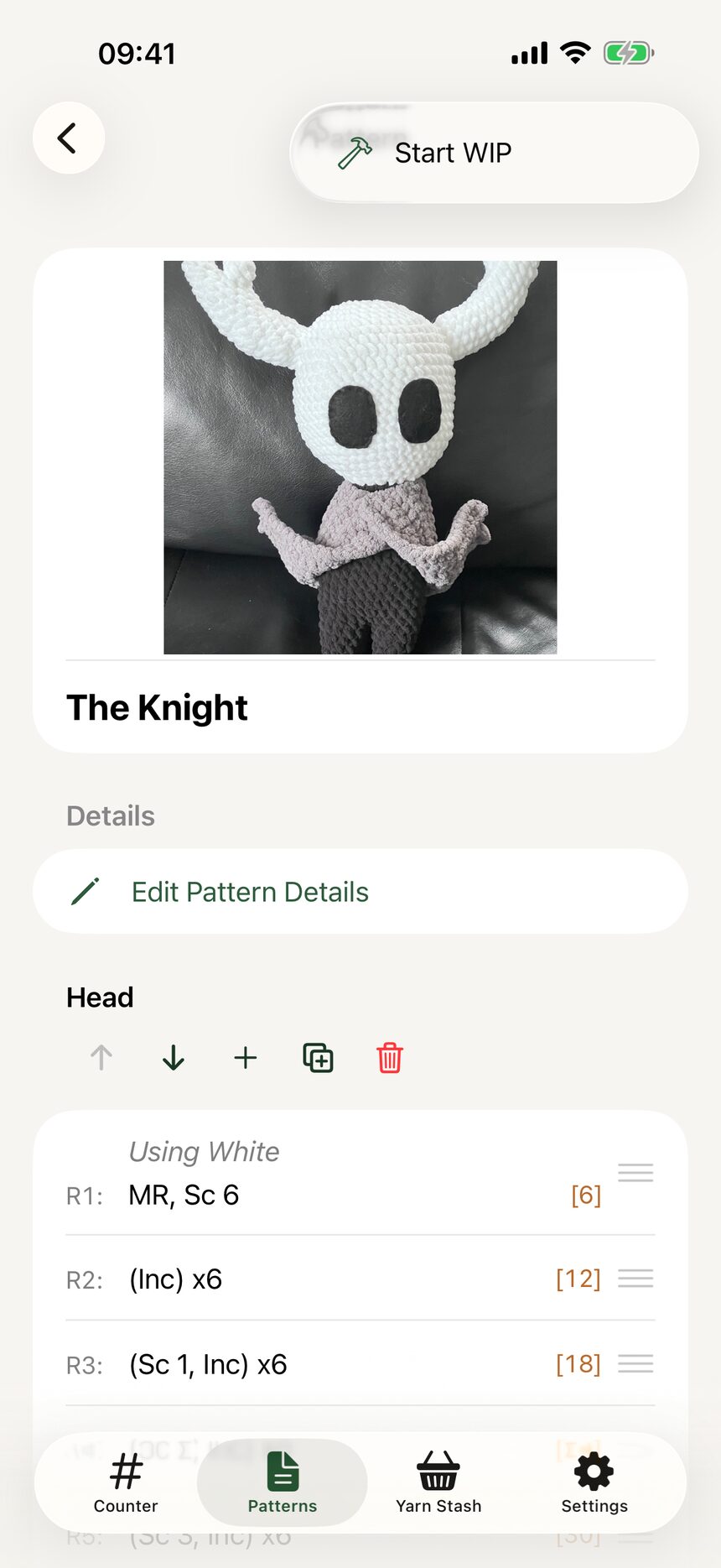
Step 1: Start the WIP
Open the pattern you want to make and start a WIP. HookPlan takes a snapshot of the pattern at that moment, so editing the original later never disturbs a project already on your hook.
Step 2: Find it in your WIPs
Your new project appears under the WIPs tab with its cover photo. From now on, everything about the project lives in this one place.

Step 3: Meet your checklist
Open the WIP and the row-by-row checklist is ready and waiting. Repeats and row spans are expanded into individual lines, so every single row gets its own checkbox.

More about works in progress
Still have a question?
The FAQ covers the common ones, and the contact form reaches a real person. Either way, you will not be left guessing.
Visit support