Settings and personalization
Light, dark, or follow the system
Pick a look, or let your phone decide by time of day.
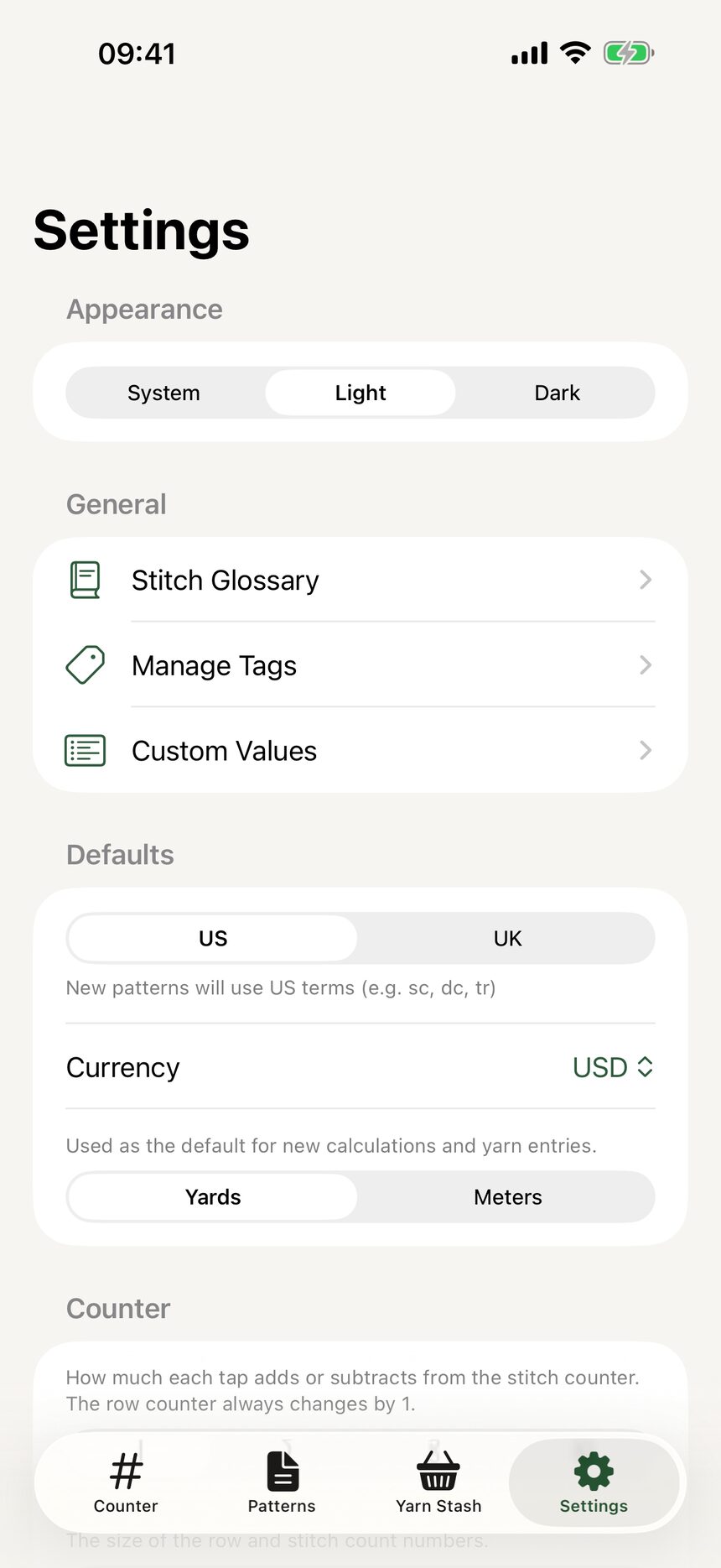
Step 1: Choose your appearance
In Settings, open Appearance and pick Light, Dark, or System. System follows your phone, switching automatically with your schedule.
Step 2: Crochet comfortably at night
Dark mode keeps the same warm palette, just easier on the eyes for late-night rows. Every screen follows along, counter included.

More about settings and personalization
Still have a question?
The FAQ covers the common ones, and the contact form reaches a real person. Either way, you will not be left guessing.
Visit support