Settings and personalization
Look up any stitch
Plain-English explanations for every stitch HookPlan knows.
Step 1: Open the glossary
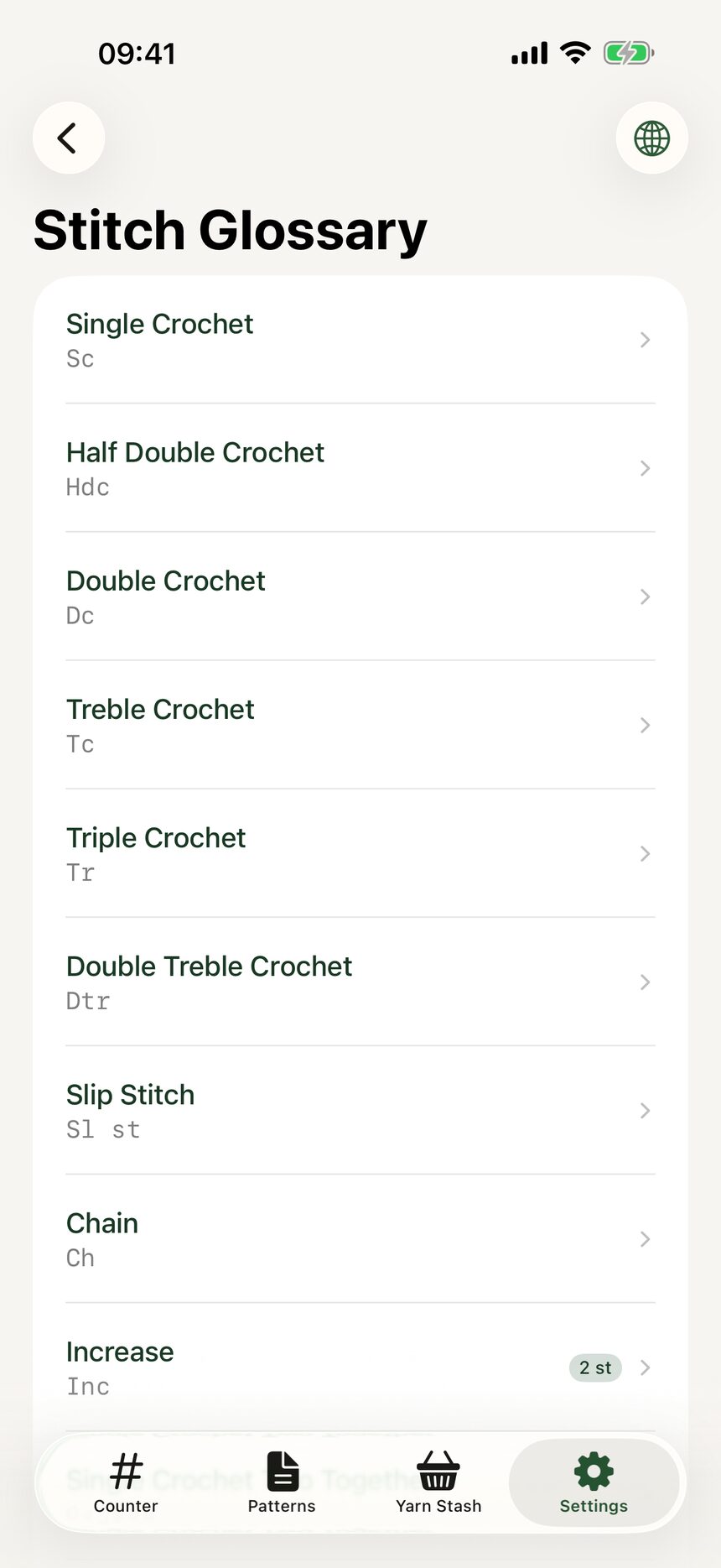
In Settings, tap Stitch Glossary. Every stitch type HookPlan supports is listed with a plain-English explanation of how it is worked.
Step 2: Compare US and UK names
US and UK names sit side by side, which is a quiet lifesaver when a pattern crosses the Atlantic. Tap any stitch to expand the full details.

More about settings and personalization
Still have a question?
The FAQ covers the common ones, and the contact form reaches a real person. Either way, you will not be left guessing.
Visit support