Settings and personalization
Talk to the developer
A real person reads every message, usually quickly.
Step 1: Open the contact form
In Settings, tap Contact. Pick a category that fits (a question, a bug, an idea) and write your message right in the app.
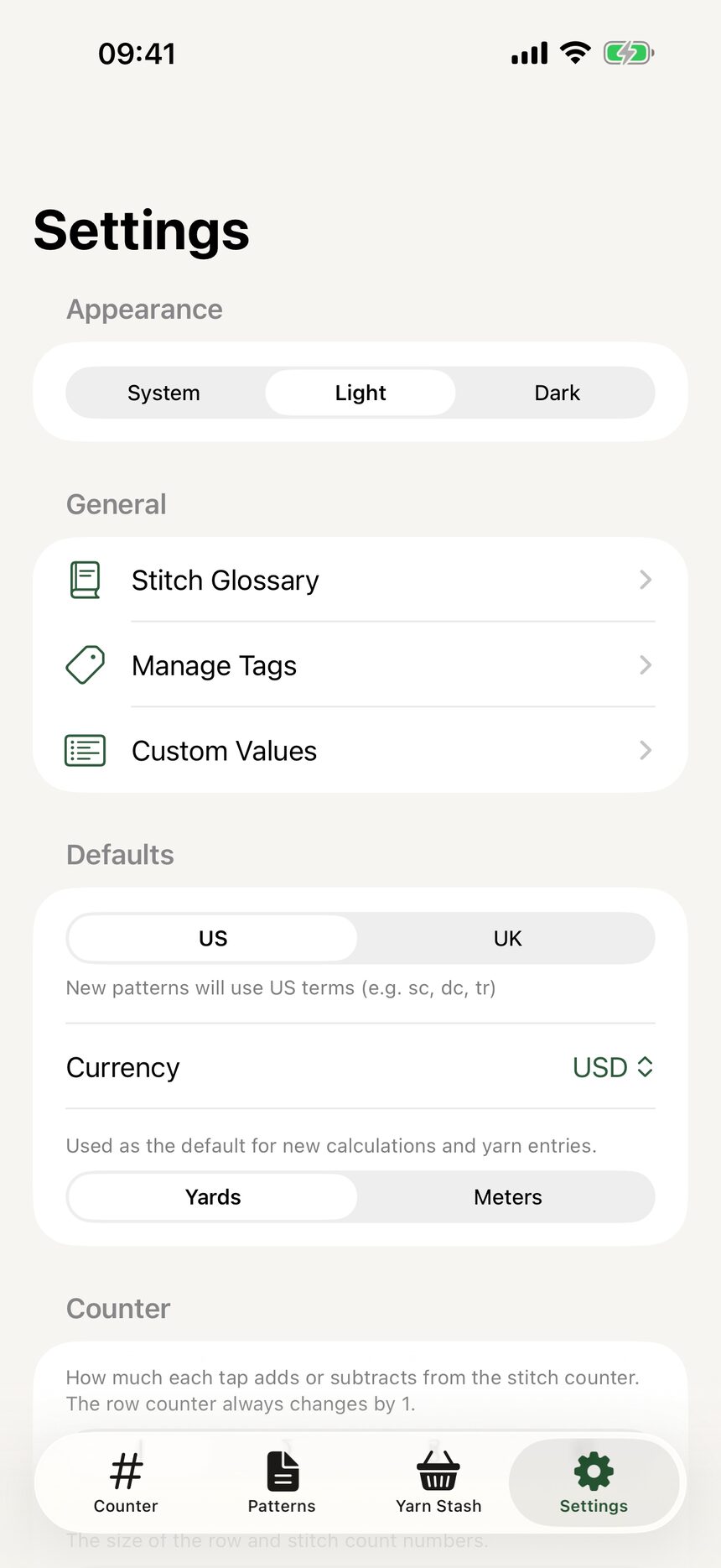
Step 2: Press send, reach a human
Every message lands directly with Mike, the solo developer behind HookPlan. Replies come fast, and ideas sent this way genuinely shape what gets built next.
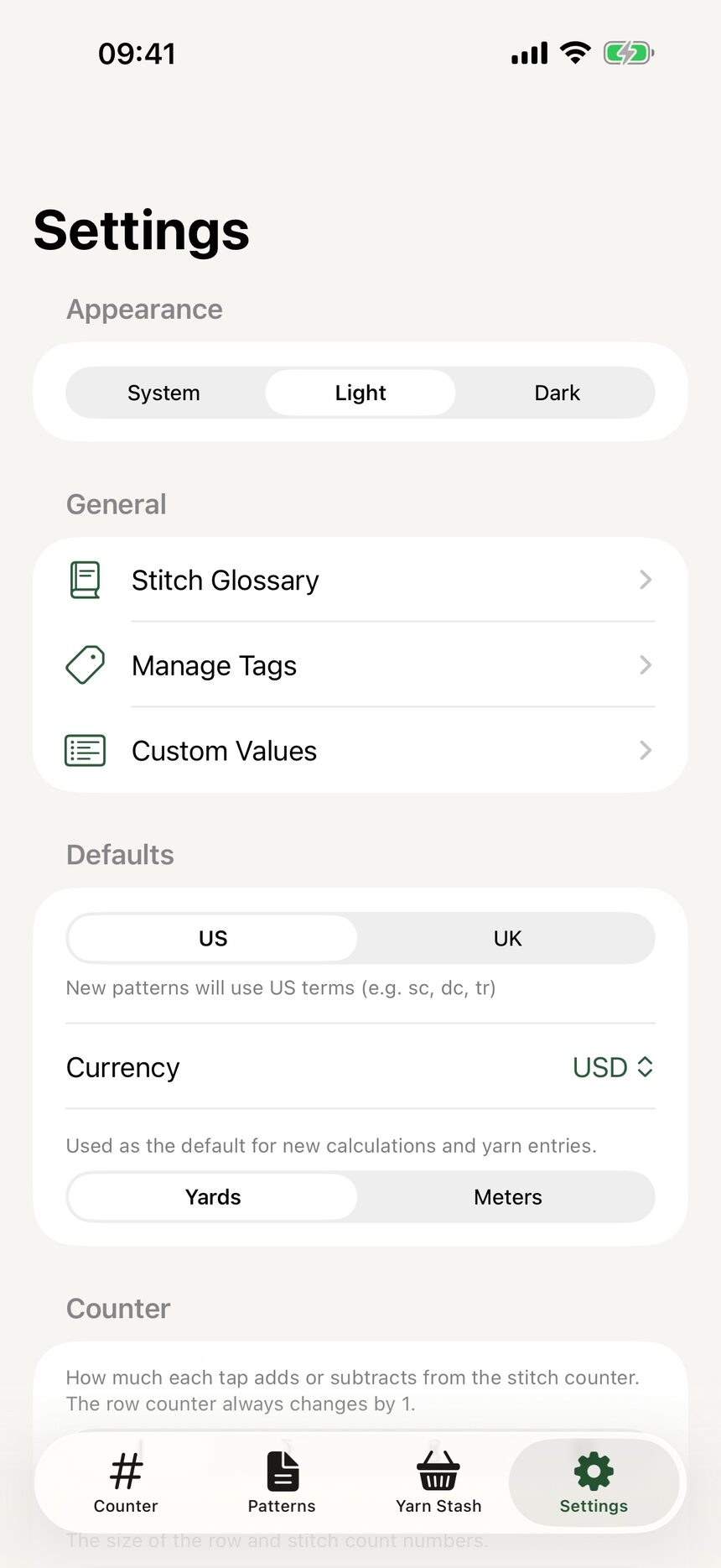
More about settings and personalization
Still have a question?
The FAQ covers the common ones, and the contact form reaches a real person. Either way, you will not be left guessing.
Visit support