Settings and personalization
Custom values and tags
Teach HookPlan your hooks, weights, fibers, and labels.
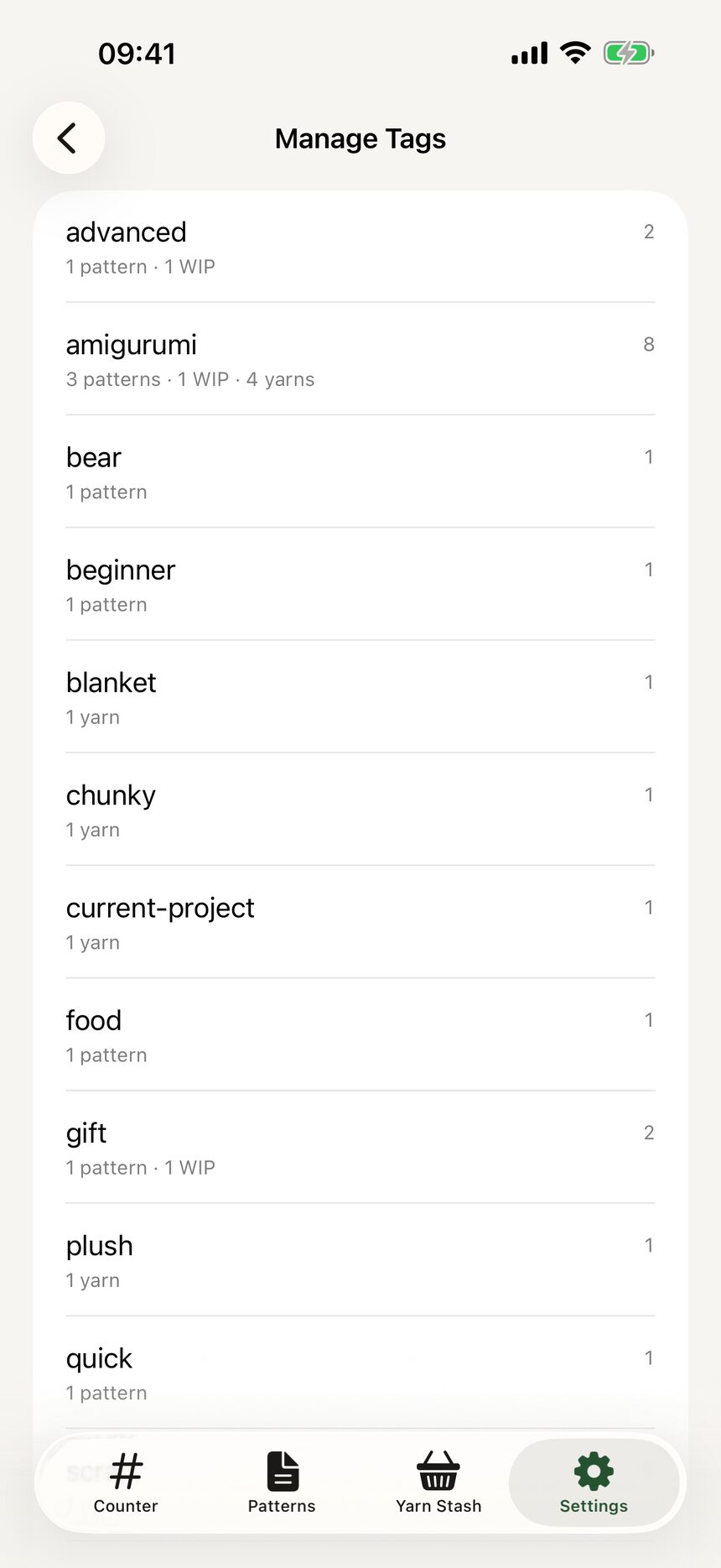
Step 1: Manage your tags
In Settings, open Manage Tags to create and reorder the tags you use across patterns and yarn. Keep the list short and entirely yours.
Step 2: Add custom values
Custom Values lets you add your own hook sizes, yarn weights, fibers, and currencies. If your favorite hook is an unusual size, add it once and it shows up everywhere.

More about settings and personalization
Still have a question?
The FAQ covers the common ones, and the contact form reaches a real person. Either way, you will not be left guessing.
Visit support