Patterns
Organize your pattern library
Grid or list, tags, search, and an archive for finished favorites.
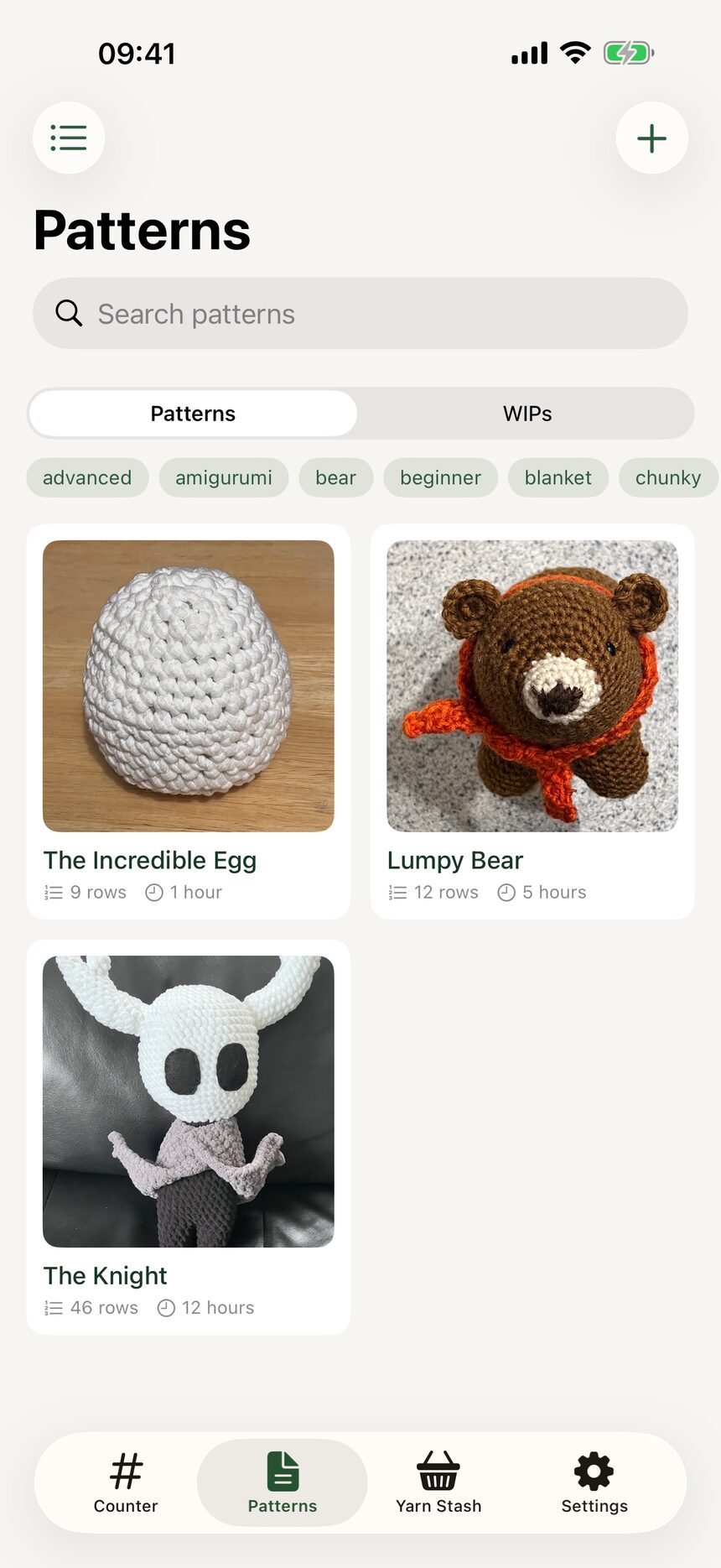
Step 1: Browse as a grid
The Patterns tab can show your library as a grid of covers. It is the nicest way to spot a project by its photo.
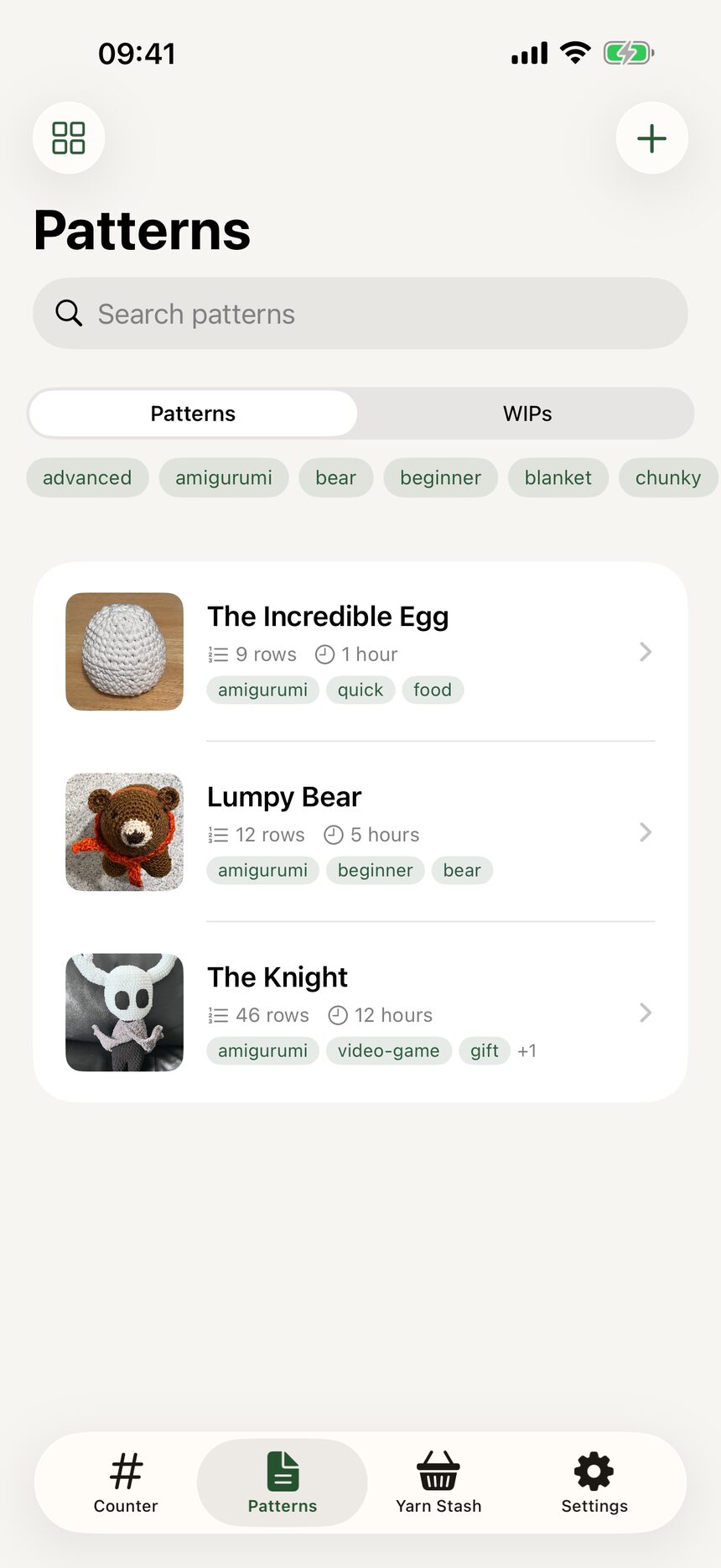
Step 2: Or switch to a list
Prefer titles to thumbnails? Switch to list view for a compact, scannable library. HookPlan remembers whichever you choose.
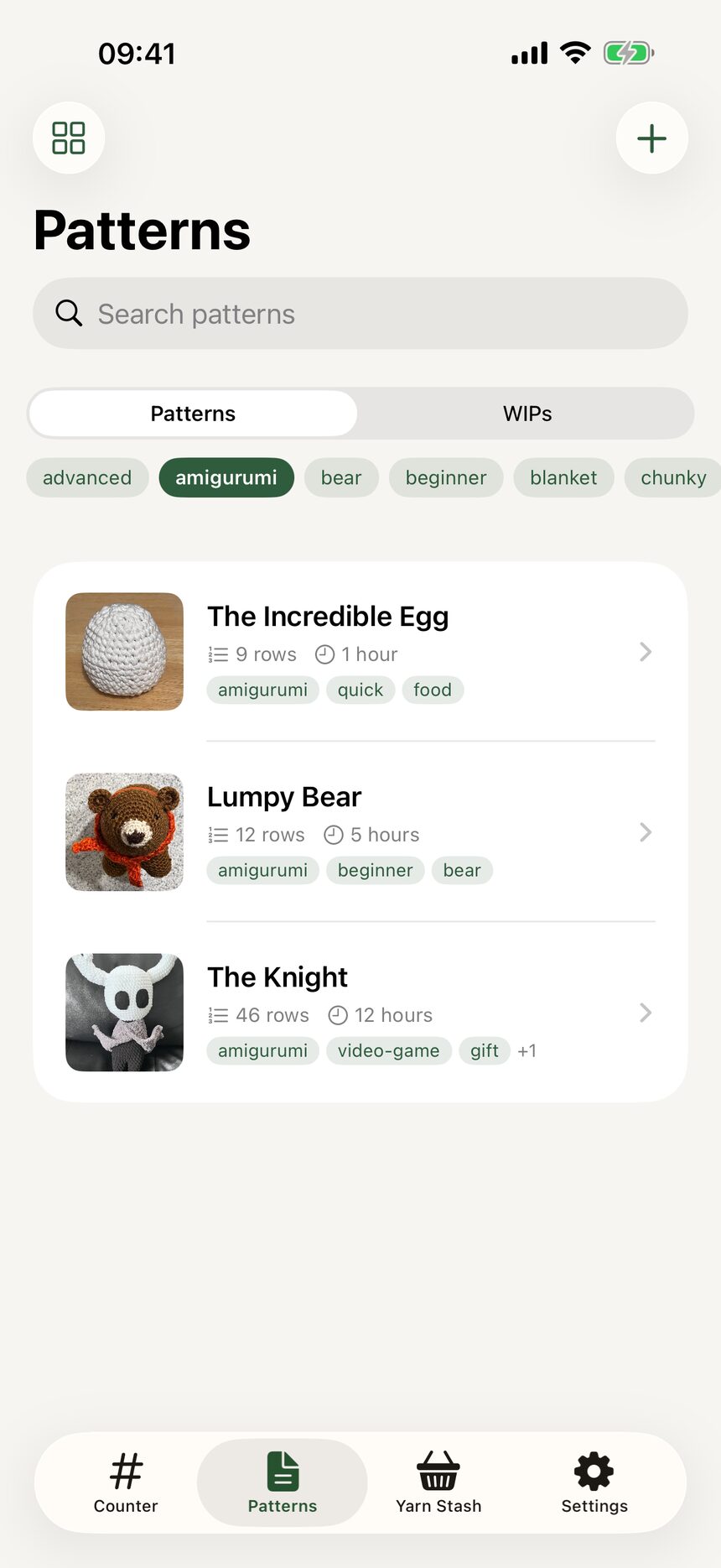
Step 3: Tag and filter
Tag patterns with labels like gifts, amigurumi, or holiday, then filter the library by tag. One pattern can carry as many tags as you like.
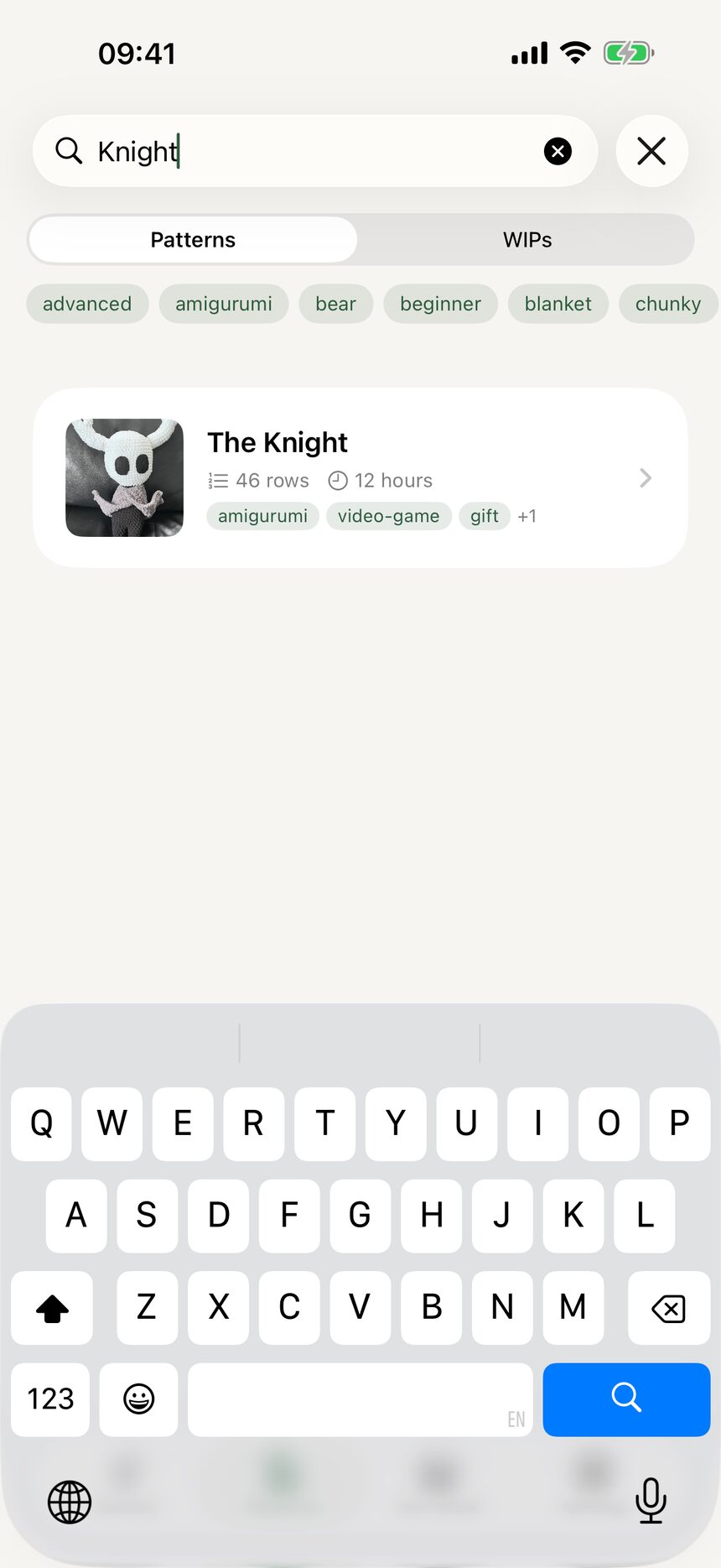
Step 4: Search and archive
Search finds any pattern by name in a couple of keystrokes. When a project is finished, or thoroughly abandoned (I have been there too), archive it to tuck it away without deleting anything.
More about patterns
- Create your first patternFrom an empty library to a named pattern in three taps.
- Write a pattern row by rowStitch rows, repeats, section headers, row spans, and notes: the whole pattern editor.
- Record materials and detailsHooks, yarn, dimensions, and credit where credit is due.
- Switch between US and UK termsOne toggle converts a whole pattern between US and UK stitch names.
Still have a question?
The FAQ covers the common ones, and the contact form reaches a real person. Either way, you will not be left guessing.
Visit support